NocodeBooth

0
5 0 Reviews 0 Saved
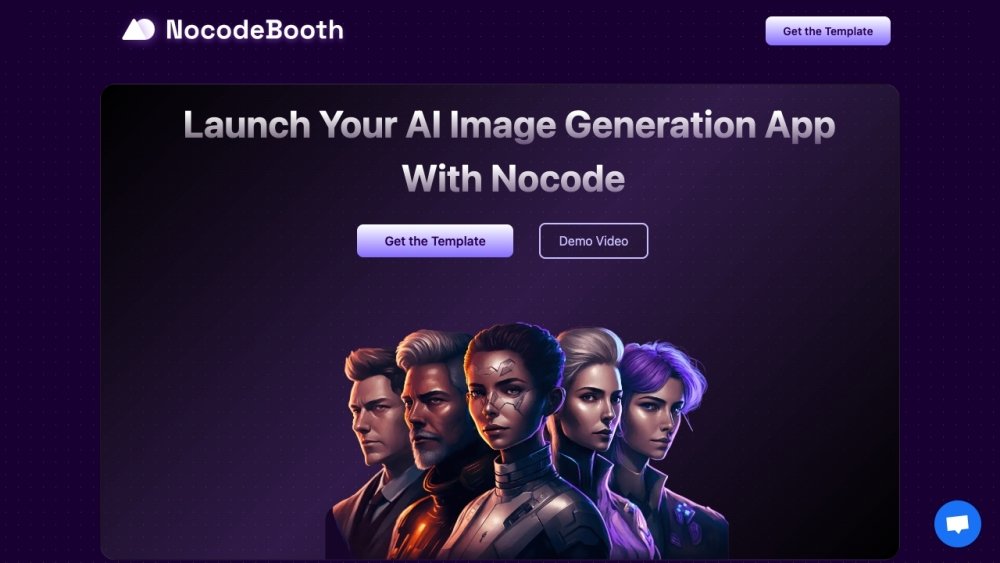
Introduction: NocodeBooth: NocodeBooth is a Nocode web app template that allows users to launch their own AI Image Generation Platform with payments and a fully responsive design. It provides all the necessary features to start an AI image generation application, focusing on customizable prompts and marketing.

NocodeBooth Product Information

What is NocodeBooth?

NocodeBooth is a Nocode web app template that allows users to launch their own AI Image Generation Platform with payments and a fully responsive design. It provides all the necessary features to start an AI image generation application, focusing on customizable prompts and marketing.

How to use NocodeBooth?

Users launch the application with the template. When a user places an order, they upload 8-10 photos and select styles. The application trains a model based on these images and generates images based on the selected styles. Users receive a download link via email. They can purchase add-on styles or new orders and refer friends for credits.

NocodeBooth Use Cases

#1 Launch an AI Image Generation platform with payments.

FAQ from NocodeBooth

How does the app work? +

Users upload photos, select styles, and the application trains a model to generate images. Users receive a download link via email. Add-on styles and referral credits are available.

Do I need to have coding experience to edit this template? +

No, you don’t need to know how to code to edit this template. It's built using Bubble.io. Basic understanding of Bubble’s Responsive Engine is recommended for complete UI customization.

What can I build using this template? +

You can build any custom AI Image generation idea you have. Examples include Wedding Dress Ideas Generator, Abroad Locations Photoshoot, Ecom Product Photography, High-Quality Portrait Photography, and Custom Caricatures.

Can I use my custom Stable Diffusion Model for training Images? +

Yes, you can train images with your custom CKPT file. You can train user images on some of the popular models like Analog Diffusion, Open Journey or Your own CKPT file.

How much does it cost to train AI Images? +

This Template uses Replicate API to train AI models using Dreambooth and generate images. For a detailed overview Check out Replicate’s Pricing page (https://replicate.com/pricing).

Does this template come with Prompts/Styles? +

No, This template does not provide any Prompt/Styles. You have to add your own Prompts/Style. You can easily add and test new prompts in the admin dashboard.

Do you have any Guides on how to set up the template? +

Yes, we provide you step-by-step video tutorials on how to set up the template where we walk through where to paste the API keys, initialise webhooks and every other step required to easily launch your product. You can access these video tutorials on the Admin page after your purchase.

Related Model Comparison Pages

Use these comparison pages to understand the trade-offs between the models most relevant to NocodeBooth.

Compare Gemini 1.0 Pro Deprecated and Gemini 2.0 Flash across pricing, context window, capabilities, benchmarks, and API access to choose the better fit for long-context workloads versus long-context workloads.

Compare Gemini 1.0 Pro Deprecated and Gemini 2.5 Flash across pricing, context window, capabilities, benchmarks, and API access to choose the better fit for long-context workloads versus long-context workloads.

Compare Gemini 2.0 Flash Lite and Gemini 2.0 Flash across pricing, context window, capabilities, benchmarks, and API access to choose the better fit for long-context workloads versus long-context workloads.

Compare Gemini 2.5 Flash and Gemini 2.0 Flash across pricing, context window, capabilities, benchmarks, and API access to choose the better fit for long-context workloads versus long-context workloads.
