
Free
$0Free plan available.
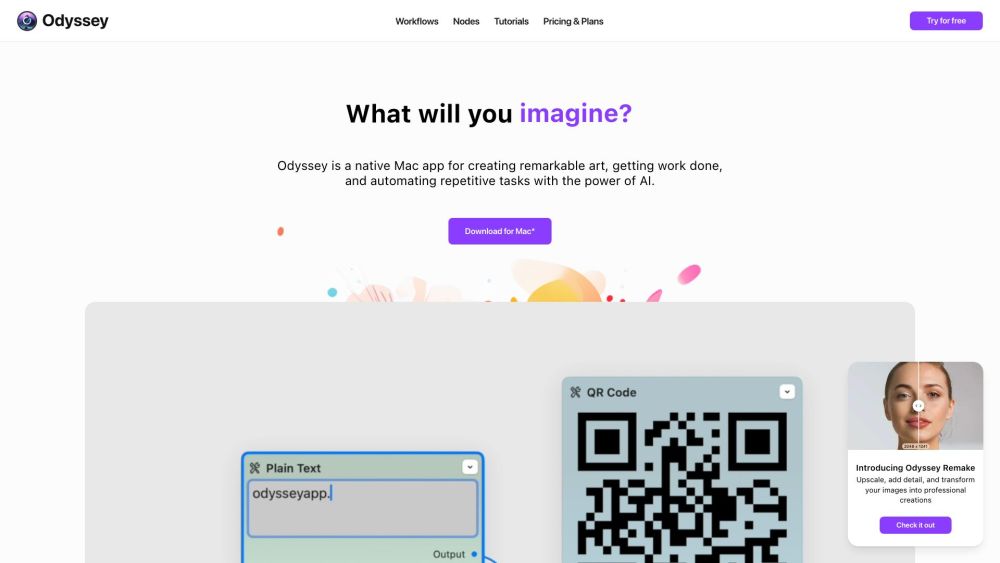
Odyssey is a native Mac application that utilizes AI to assist users in creating art, increasing productivity, and automating repetitive tasks. It provides a collection of image processing nodes, large language models, and automation tools, prioritizing data privacy and security by executing models locally.
Download and install the Odyssey application on your Mac. Build custom workflows using the available image processing nodes, large language models, and automation tools. Execute these workflows directly from your desktop or integrate them with Apple Shortcuts.
Odyssey is a native application built specifically for macOS.
Yes, Odyssey prioritizes user privacy. Your images, chats, and inputs are neither stored nor accessible by the Odyssey team. Because models run locally, your data remains private and secure.
An internet connection is not required to run local models. However, you will need one to download the application and potentially to use API keys for services such as ChatGPT and Stable Diffusion.
Yes, you can save, reuse, and share your custom workflows with others.
Free plan available.
Use these comparison pages to understand the trade-offs between the models most relevant to Odyssey.
Compare GPT 5.4 and GPT 5.4 Pro across pricing, context window, capabilities, benchmarks, and API access to choose the better fit for long-context workloads versus long-context workloads.
Compare GPT 5.5 and GPT 5.4 across pricing, context window, capabilities, benchmarks, and API access to choose the better fit for long-context workloads versus long-context workloads.
Compare GPT 5.5 and Claude 4.6 Opus across pricing, context window, capabilities, benchmarks, and API access to choose the better fit for long-context workloads versus long-context workloads.
Compare GPT 5.5 and Claude 4.6 Sonnet across pricing, context window, capabilities, benchmarks, and API access to choose the better fit for long-context workloads versus long-context workloads.

Similar AI tool in the AI Chatbot category.
Similar AI tool in the AI Assistant category.
Similar AI tool in the AI Assistant category.
Similar AI tool in the AI Productivity Tools category.
Similar AI tool in the AI Chatbot category.
Similar AI tool in the AI Assistant category.
Similar AI tool in the AI API category.
Similar AI tool in the AI Image Generator category.
Similar AI tool in the AI Assistant category.
Similar AI tool in the AI Image Generator category.
Similar AI tool in the AI Chatbot category.
Similar AI tool in the AI Productivity Tools category.