
Free
$0Free plan available.
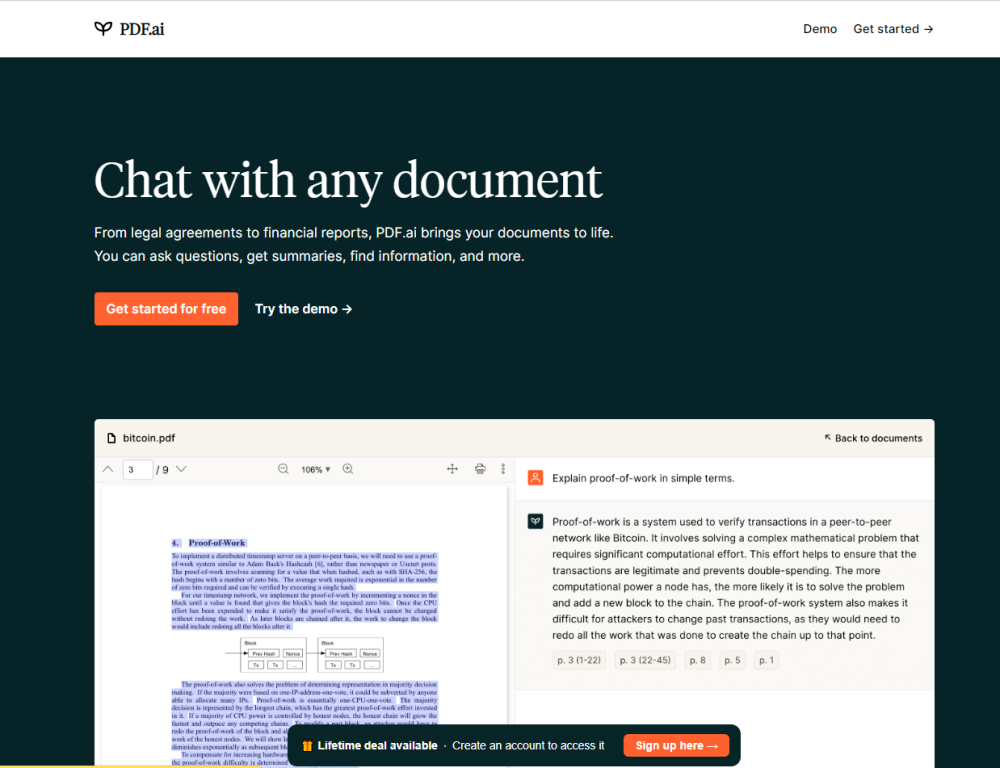
PDF.ai is an AI-powered tool that allows users to chat with PDF documents. It enables users to ask questions, get summaries, and find information within their PDFs. The platform offers features like instant answers, source citations, and is designed for various use cases such as legal documents, financial reports, books, scientific papers, user manuals, and employee training materials. PDF.ai also provides a Chrome extension and an API hub for developers.
Upload your PDF documents to the PDF.ai platform and use the chat interface to ask questions, request summaries, or search for specific details. The AI will provide instant answers with citations sourced directly from your uploaded document.
You can upload PDF documents and use PDF.ai to ask questions, generate summaries, and retrieve specific information from within those files.
Yes, PDF.ai provides a free Hobby plan with limited functionality. Paid plans are available for users requiring higher usage limits and additional features.
AI Agents are specialized tools for document analysis that enable you to upload PDFs, extract insights, answer questions, and automate various document processing tasks.
The Capture & Ask feature allows you to take a screenshot and ask questions about the content within that image. This feature is available on the Ultimate plan and above.
The Chatbot Widget lets you embed a chatbot on your website, allowing users to interact with your PDF files via AI. This is a paid add-on available exclusively for Ultimate plan users and above.
Free plan available.
Use these comparison pages to understand the trade-offs between the models most relevant to PDF.ai.
Compare Amazon Nova Pro and Amazon Nova Lite across pricing, context window, capabilities, benchmarks, and API access to choose the better fit for tool-augmented workflows versus tool-augmented workflows.
Compare Amazon Nova Lite and Amazon Nova Micro across pricing, context window, capabilities, benchmarks, and API access to choose the better fit for tool-augmented workflows versus tool-augmented workflows.
Compare Amazon Nova Lite and Mistral Medium 3 across pricing, context window, capabilities, benchmarks, and API access to choose the better fit for tool-augmented workflows versus tool-augmented workflows.
Compare Amazon Nova Lite and Mistral Small 3.1 (25.03) across pricing, context window, capabilities, benchmarks, and API access to choose the better fit for tool-augmented workflows versus cost-efficient scale.

Similar AI tool in the AI Assistant category.
Similar AI tool in the AI Assistant category.
Similar AI tool in the AI Writing Assistants category.
Similar AI tool in the AI Writing Assistants category.
Similar AI tool in the AI Writing Assistants category.
Similar AI tool in the AI Assistant category.
Similar AI tool in the AI Chatbot category.
Similar AI tool in the AI Chatbot category.
Similar AI tool in the AI Chatbot category.
Similar AI tool in the AI Chatbot category.
Similar AI tool in the AI Assistant category.
Similar AI tool in the AI API category.