Photo AI

0
5 0 Reviews 0 Saved
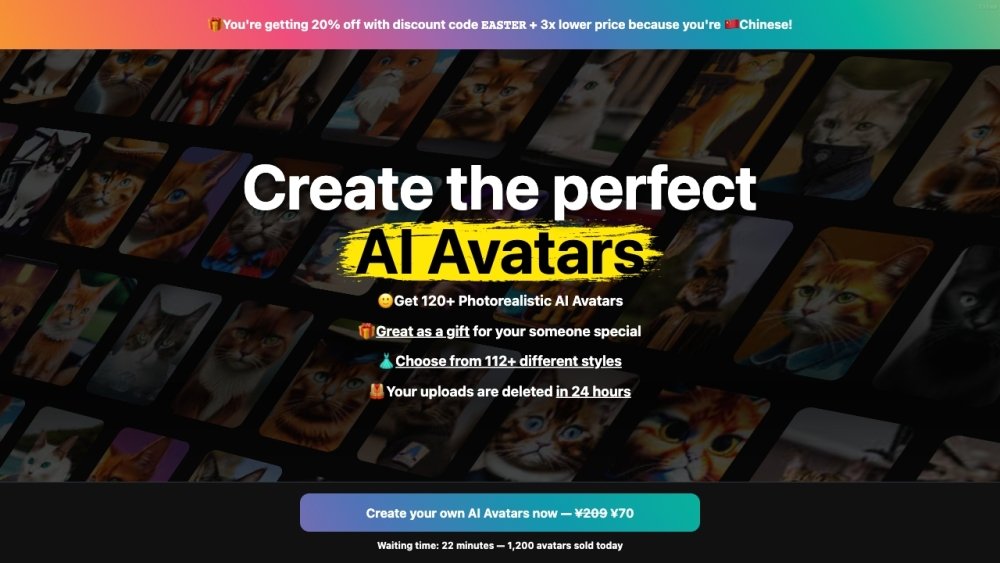
Introduction: Photo AI: Photo AI is an AI-powered platform that allows users to generate photorealistic images and videos of people. It enables users to create AI models of themselves or design AI influencers from scratch. Users can generate endless AI photos in various styles, poses, and locations, saving time and money compared to traditional photoshoots. The platform also offers features like AI video creation, clothing try-on, and scene design.

Photo AI Product Information

What is Photo AI?

Photo AI is an AI Photo & Video Generator that allows users to copycat a photo, create a photoshoot, or train a new model. It generates photorealistic images and videos of people with AI, offering the first AI Photographer to take stunning photos. Users can generate photo and video content for social media, saving time and money by doing an AI photo shoot from a laptop or phone instead of hiring an expensive photographer. It also allows users to take photos featuring themselves as an AI model, w

How to use Photo AI?

To use Photo AI, upload selfies to create an AI model, or create a 100% AI influencer. Take AI photos in any pose, place, or action, and create AI videos from any AI photo. Users can also run photo packs like Instagram or Old Money.

Photo AI Use Cases

#1 Generate photorealistic photos of yourself in different locations and outfits.
#2 Create AI influencers and monetize them.
#3 Design photorealistic scenes from your living room.
#4 Try on clothes virtually from online stores.
#5 Create professional headshots for your team.

FAQ from Photo AI

How does Photo AI compare to other AI image generators? +

Photo AI performs far better than competitors in photorealism and resemblance, offering consistent characters, high resolution, ethnicity maintenance, zoom out, and video creation.

How many photos do I need to upload to create my own AI model? +

You need to upload a set of just 10 to 20 photos in a diverse range of places, settings, and times.

How long does it take to create an AI model? +

Creating your AI model takes about 1-2 hours. It takes a bit longer on Photo AI because compared to other AI image generators that save money on GPU by running trainings in low steps, Photo AI use the highest quality training with the highest possible steps which takes more GPU cycles (and thus time and cost).

What are photo packs? +

Photo packs are themed collections of AI-generated photos featuring your own AI model that you can use to create different styles, moods, and effects. It saves you time in having to find or write your own prompts to take photos.

Can I create AI videos with Photo AI? +

Yes, you can take any AI photo you generated, and turn it into a video by tapping πŸŽ₯ Make video. You can even add a talking script to make your AI model talk!

Related Model Comparison Pages

Use these comparison pages to understand the trade-offs between the models most relevant to Photo AI.

Compare Gemini 1.0 Pro Deprecated and Gemini 2.0 Flash across pricing, context window, capabilities, benchmarks, and API access to choose the better fit for long-context workloads versus long-context workloads.

Compare Gemini 1.0 Pro Deprecated and Gemini 2.5 Flash across pricing, context window, capabilities, benchmarks, and API access to choose the better fit for long-context workloads versus long-context workloads.

Compare Gemini 2.0 Flash Lite and Gemini 2.0 Flash across pricing, context window, capabilities, benchmarks, and API access to choose the better fit for long-context workloads versus long-context workloads.

Compare Gemini 2.5 Flash and Gemini 2.0 Flash across pricing, context window, capabilities, benchmarks, and API access to choose the better fit for long-context workloads versus long-context workloads.
