
Free
$0Free plan available.
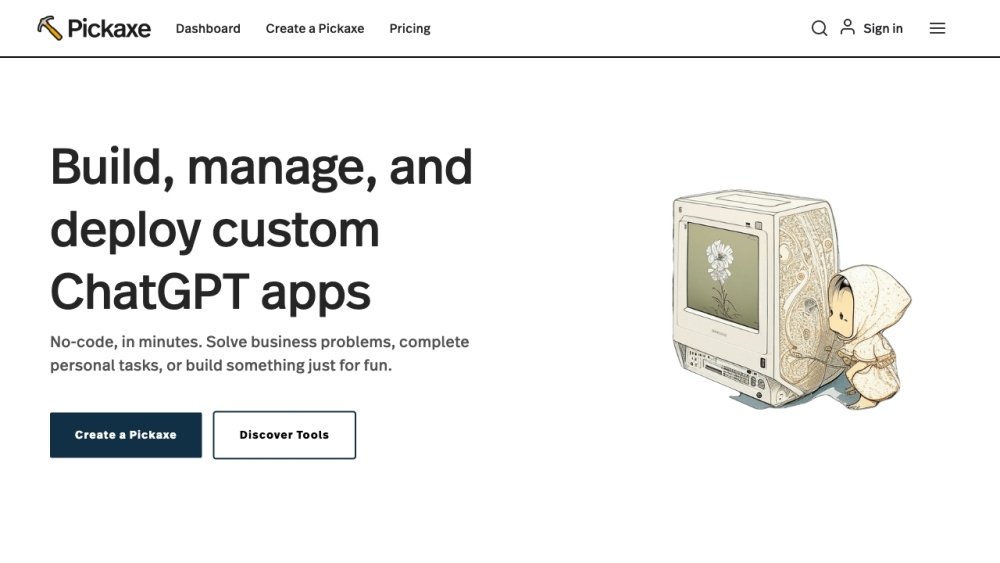
Pickaxe is a no-code platform that allows users to create AI-powered tools and applications in minutes. It enables prompt engineers to integrate their prompts across their entire organization, bridging the gap between generative AI and its users. Users can build, share, and manage AI tools, train AI on their expertise, and embed these tools on websites or internal dashboards.
Users can create AI-powered apps using a visual prompt-framing builder, embed them on websites or workspaces, and track and improve their performance through a dashboard. They can also use templates to get started or create their own.
One credit equals one prompt run. Every time you click the “submit” or “test” button to run your tool, you use one credit. If you embed a tool on your website, every interaction by a user counts as one of your credits.
You can purchase additional credits or upgrade to a Gold or Pro plan. If you exceed 1,000 credits per month, we recommend using your own OpenAI API key, which is more cost-effective and provides near-unlimited usage.
Once you have created a Pickaxe, navigate to your dashboard and click the “embed” button. You can then customize the size and design, copy the provided embed link, and paste it into your website.
When a Pickaxe is used on the pickaxeproject domain, it counts against the user’s credits. When an embedded Pickaxe is used on an external domain, it counts against the owner’s credits.
Yes, you can monetize your Pickaxes by charging subscription fees when you publish them in a Studio. We use Stripe to process these payments.
Yes, Pickaxe offers an affiliate program. You can register by clicking here.
You can improve your Pickaxe through better prompt design. Learn more about writing effective prompts on our YouTube channel or use our Automatic AI Builder to generate prompts for you.
No. Our Pro tier is the highest available level and includes access to all features. If you require professional assistance to build AI tools or systems, we recommend the Pickaxe Experts Program.
Free plan available.
Use these comparison pages to understand the trade-offs between the models most relevant to Pickaxe.
Compare GPT 5.4 and GPT 5.4 Pro across pricing, context window, capabilities, benchmarks, and API access to choose the better fit for long-context workloads versus long-context workloads.
Compare GPT 5.5 and GPT 5.4 across pricing, context window, capabilities, benchmarks, and API access to choose the better fit for long-context workloads versus long-context workloads.
Compare GPT 5.5 and Claude 4.6 Opus across pricing, context window, capabilities, benchmarks, and API access to choose the better fit for long-context workloads versus long-context workloads.
Compare GPT 5.5 and Claude 4.6 Sonnet across pricing, context window, capabilities, benchmarks, and API access to choose the better fit for long-context workloads versus long-context workloads.

Similar AI tool in the AI Image Generator category.
Similar AI tool in the AI Chatbot category.
Similar AI tool in the AI Assistant category.
Similar AI tool in the AI Marketing category.
Similar AI tool in the AI Chatbot category.
Similar AI tool in the AI Assistant category.
Similar AI tool in the AI API category.
Similar AI tool in the AI Chatbot category.
Similar AI tool in the AI Image Generator category.
Similar AI tool in the AI Writing Assistants category.
Similar AI tool in the AI Assistant category.
Similar AI tool in the AI Chatbot category.