
Free
$0Free plan available.
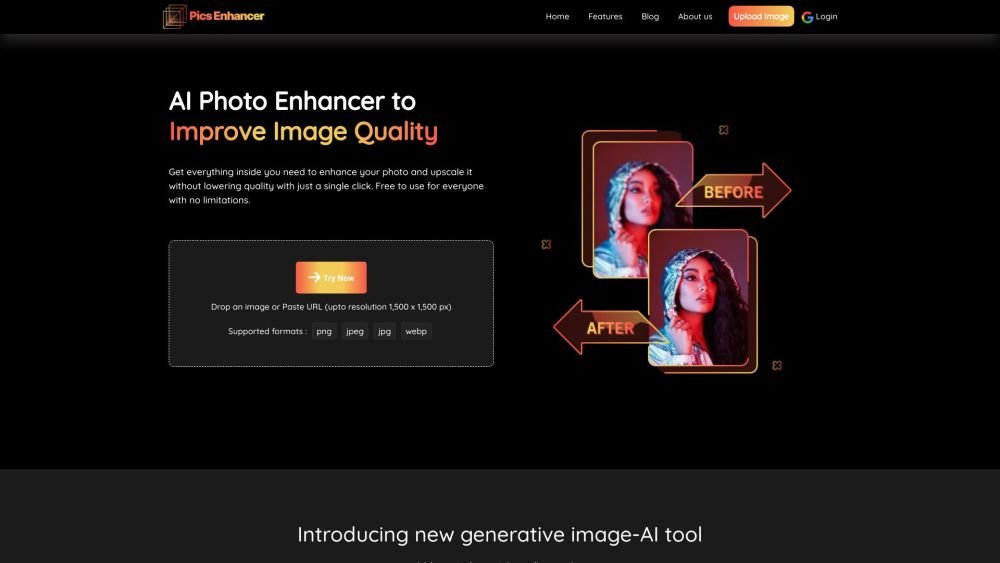
Pics Enhancer is an AI-powered photo enhancer tool designed to improve image quality for free. It allows users to make blurry images clear, sharpen details, and upscale resolution up to 4x without losing quality. The tool removes JPEG artifacts, eliminates pixelation, and enhances details automatically. It supports various image formats and offers features like old photo restoration, portrait enhancement, and product photo enhancement for e-commerce.
To use Pics Enhancer, upload an image in JPG or PNG format, or paste an image URL. The AI will automatically improve the image quality, resolution, and sharpness. Once the processing is finished, download your enhanced image.
Upload your image to Pics Enhancer, and the AI will automatically enhance it. You can download the improved image once the process is complete.
AI photo enhancers automate processes like upscaling, resolution improvement, and texture maintenance, removing the need for manual editing.
This tool is suitable for photographers, business owners, agents, and individual users working on real estate, e-commerce, photography, print media, and personal projects.
Picsenhancer.com supports PNG, JPG, JPEG, and WEBP image formats.
This tool is completely free to use, and there are no hidden fees.
Bulk processing is currently available in beta mode. Please contact us for more information.
Free plan available.
Use these comparison pages to understand the trade-offs between the models most relevant to Pics Enhancer.
Compare Amazon Nova Pro and Amazon Nova Lite across pricing, context window, capabilities, benchmarks, and API access to choose the better fit for tool-augmented workflows versus tool-augmented workflows.
Compare Amazon Nova Lite and Amazon Nova Micro across pricing, context window, capabilities, benchmarks, and API access to choose the better fit for tool-augmented workflows versus tool-augmented workflows.
Compare Amazon Nova Lite and Mistral Medium 3 across pricing, context window, capabilities, benchmarks, and API access to choose the better fit for tool-augmented workflows versus tool-augmented workflows.
Compare Amazon Nova Lite and Mistral Small 3.1 (25.03) across pricing, context window, capabilities, benchmarks, and API access to choose the better fit for tool-augmented workflows versus cost-efficient scale.

Similar AI tool in the AI Image Generator category.
Similar AI tool in the AI Art Generator category.
Similar AI tool in the AI Image Generator category.
Similar AI tool in the AI Design Generator category.
Similar AI tool in the AI Background Remover category.
Similar AI tool in the AI Image Generator category.
Similar AI tool in the AI Chatbot category.
Similar AI tool in the AI Image Generator category.
Similar AI tool in the AI Image Generator category.
Similar AI tool in the AI Image Generator category.
Similar AI tool in the AI Image Generator category.
Similar AI tool in the AI Image Generator category.