
Free
$0Free plan available.
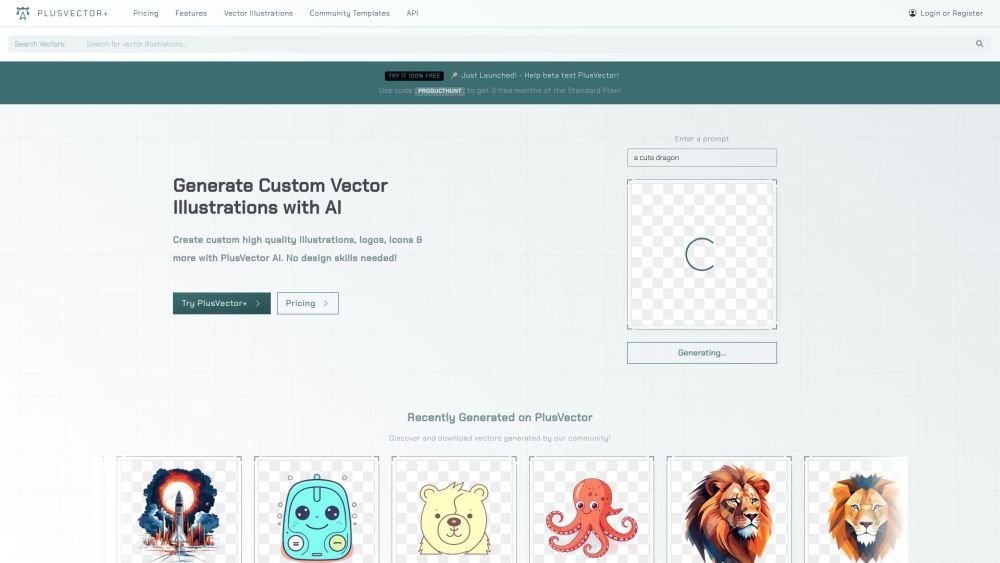
PlusVector is an AI Vector Illustration Engine that allows users to easily create custom AI-generated vectors using prompts. The AI tool outputs high-quality SVG images with transparency suitable for professional designers, websites, apps, and more. Users can discover community prompt templates and access free vectors. It generates custom SVGs and high-quality vector illustrations instantly, creating custom vector illustrations, logos, icons, and more without needing design skills.
Users can generate vectors by entering a prompt, utilizing a community template, or downloading unlimited vectors via a PlusVector subscription. The platform provides built-in tools to refine and customize vectors, allowing for adjustments to colors, shapes, and sizes prior to download.
PlusVector is an AI-powered vector generation engine. It enables you to create scalable vector graphics (SVGs) from simple prompts, delivering high-quality, resolution-independent visuals suitable for both web and print media.
PlusVector uses advanced AI algorithms to interpret your prompts and generate detailed, crisp vector images. Each graphic is designed to maintain clarity at any scale, ensuring professional results across all platforms.
Yes. Graphics generated by PlusVector are available for both personal and commercial use. We offer a flexible licensing model designed to accommodate both individual designers and large enterprises.
PlusVector supports exports in both SVG and PNG formats. You can choose your preferred format during the export process to ensure it meets your project requirements.
PlusVector includes intuitive editing tools that allow you to modify your vectors. You can adjust colors, shapes, and sizes directly within the platform before downloading your file.
Yes, PlusVector is well-suited for creating unique logos. The AI engine can generate various styles to align with your brand identity, which you can then refine to finalize your logo design.
No, attribution is not required for images generated with PlusVector. Once you download a vector, you are free to use it according to our license agreement.
PlusVector is continuously evolving and expanding its style library. You may submit style suggestions, which our team may consider for future AI updates.
Free plan available.
Use these comparison pages to understand the trade-offs between the models most relevant to PlusVector.
Compare Amazon Nova Pro and Amazon Nova Lite across pricing, context window, capabilities, benchmarks, and API access to choose the better fit for tool-augmented workflows versus tool-augmented workflows.
Compare Amazon Nova Lite and Amazon Nova Micro across pricing, context window, capabilities, benchmarks, and API access to choose the better fit for tool-augmented workflows versus tool-augmented workflows.
Compare Amazon Nova Lite and Mistral Medium 3 across pricing, context window, capabilities, benchmarks, and API access to choose the better fit for tool-augmented workflows versus tool-augmented workflows.
Compare Amazon Nova Lite and Mistral Small 3.1 (25.03) across pricing, context window, capabilities, benchmarks, and API access to choose the better fit for tool-augmented workflows versus cost-efficient scale.

Similar AI tool in the AI Image Generator category.
Similar AI tool in the AI Chatbot category.
Similar AI tool in the AI Image Generator category.
Similar AI tool in the AI Image Generator category.
Similar AI tool in the AI Assistant category.
Similar AI tool in the AI Image Generator category.
Similar AI tool in the AI Art Generator category.
Similar AI tool in the AI Image Generator category.
Similar AI tool in the AI Chatbot category.
Similar AI tool in the AI Assistant category.
Similar AI tool in the AI Image Generator category.
Similar AI tool in the AI Image Generator category.