
Free
$0Free plan available.
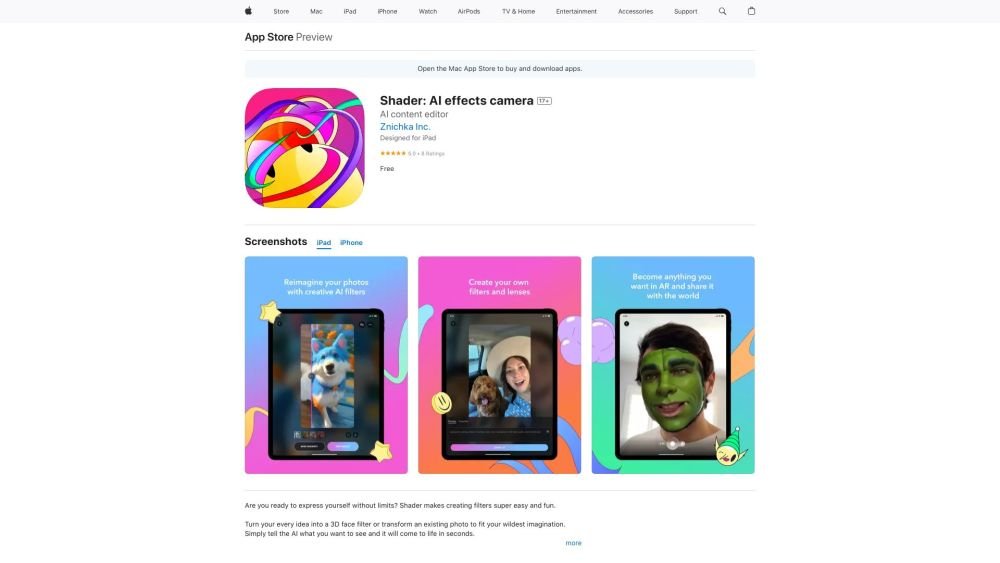
Shader is an AI-powered camera app available on the App Store that allows users to instantly create custom AR and AI lenses and effects using their phone. Users can generate filters using text, taps, or voice commands. The app also introduces an accessible, AI-first approach to video creation.
Download the Shader app from the App Store. Use text, taps, or voice commands to generate custom 3D face filters or transform existing photos. Record videos using your filters and save your creations to your profile gallery.
You can create custom 3D face filters, transform existing photos, and record videos using your custom filters.
Shader allows you to create filters using text, taps, or voice commands.
Shader requires iOS 16.4 or later for iPhones, iPadOS 16.4 or later for iPads, and macOS 13.3 or later on Macs equipped with an Apple M1 chip or newer.
Free plan available.
Use these comparison pages to understand the trade-offs between the models most relevant to Shader: AI effects camera.
Compare Gemini 1.0 Pro Deprecated and Gemini 2.0 Flash across pricing, context window, capabilities, benchmarks, and API access to choose the better fit for long-context workloads versus long-context workloads.
Compare Gemini 1.0 Pro Deprecated and Gemini 2.5 Flash across pricing, context window, capabilities, benchmarks, and API access to choose the better fit for long-context workloads versus long-context workloads.
Compare Gemini 2.0 Flash Lite and Gemini 2.0 Flash across pricing, context window, capabilities, benchmarks, and API access to choose the better fit for long-context workloads versus long-context workloads.
Compare Gemini 2.5 Flash and Gemini 2.0 Flash across pricing, context window, capabilities, benchmarks, and API access to choose the better fit for long-context workloads versus long-context workloads.

Similar AI tool in the AI Chatbot category.
Similar AI tool in the AI Chatbot category.
Similar AI tool in the AI Image Generator category.
Similar AI tool in the AI Image Generator category.
Similar AI tool in the AI Assistant category.
Similar AI tool in the AI Image Generator category.
Similar AI tool in the AI Image Generator category.
Similar AI tool in the AI Image Generator category.
Similar AI tool in the AI Chatbot category.
Similar AI tool in the AI Assistant category.
Similar AI tool in the AI Image Generator category.
Similar AI tool in the AI API category.