
Free
$0Free plan available.
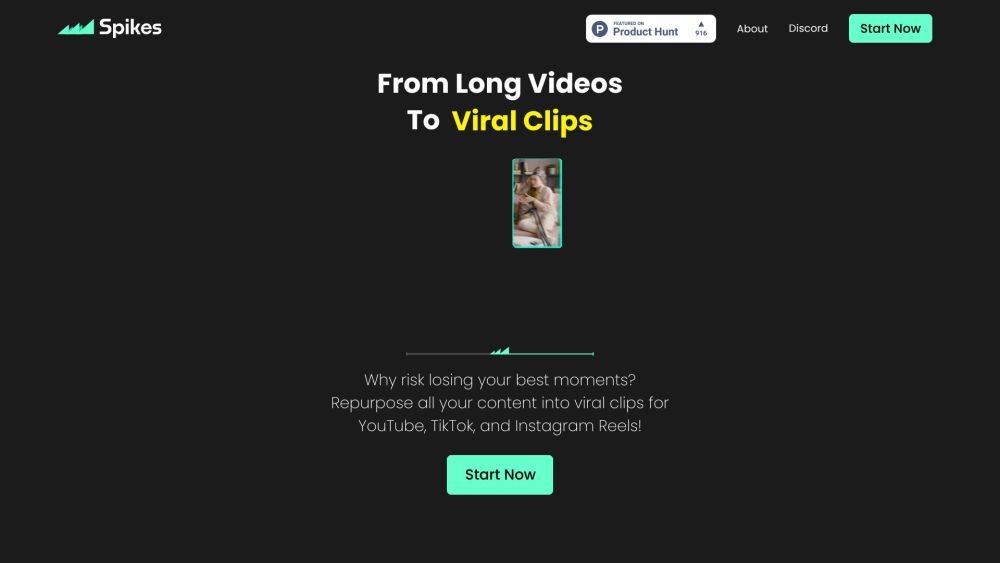
Spikes Studio is an AI-powered clip generator that transforms long-form video content into engaging, viral short clips for platforms like YouTube, TikTok, and Reels. It offers features like auto-captions, AI styling, quick editing tools, and cross-platform scheduling to help creators grow their audience efficiently.
Upload your long-form video to Spikes Studio. The AI identifies the most engaging moments, which you can then edit, customize with captions and styling, and schedule for publication across multiple social media platforms.
Yes. You can use the editor for any video up to 5 minutes long via the 'Add Captions' tab. This allows you to add captions, reframe content to a vertical view, apply auto-effects, and generate titles, descriptions, and hashtags for optimization.
Yes, the free plan includes a watermark. To remove it, you must subscribe to a paid plan.
We support over 99 languages, allowing you to reach a global audience by transcribing videos into their original language.
Yes. You can connect your social media accounts to schedule content directly from Spikes Studio. You can manage and analyze posts for LinkedIn, TikTok, Facebook, and YouTube from a single dashboard.
Yes, we offer a free trial and a monthly free plan that includes up to 30 minutes of video content. Additional minutes can be earned through our referral program and onboarding.
No, a credit card is not required to start your free trial; you can begin creating videos immediately.
Yes, your content remains private and accessible only to you.
Engaging video content can improve your online presence, attract new customers, and increase sales by making it easier to connect with your target audience.
Free plan available.
Use these comparison pages to understand the trade-offs between the models most relevant to Spikes Studio.
Compare Gemini 1.0 Pro Deprecated and Gemini 2.0 Flash across pricing, context window, capabilities, benchmarks, and API access to choose the better fit for long-context workloads versus long-context workloads.
Compare Gemini 1.0 Pro Deprecated and Gemini 2.5 Flash across pricing, context window, capabilities, benchmarks, and API access to choose the better fit for long-context workloads versus long-context workloads.
Compare Gemini 2.0 Flash Lite and Gemini 2.0 Flash across pricing, context window, capabilities, benchmarks, and API access to choose the better fit for long-context workloads versus long-context workloads.
Compare Gemini 2.5 Flash and Gemini 2.0 Flash across pricing, context window, capabilities, benchmarks, and API access to choose the better fit for long-context workloads versus long-context workloads.

Similar AI tool in the AI Video Generator category.
Similar AI tool in the AI API category.
Similar AI tool in the AI Video Generator category.
Similar AI tool in the AI Image Generator category.
Similar AI tool in the AI Assistant category.
Similar AI tool in the AI Video Generator category.
Similar AI tool in the AI Video Editor category.
Similar AI tool in the AI Marketing category.
Similar AI tool in the AI Image Generator category.
Similar AI tool in the AI Image Generator category.
Similar AI tool in the AI Video Generator category.
Similar AI tool in the AI Image Generator category.