
Free
$0Free plan available.
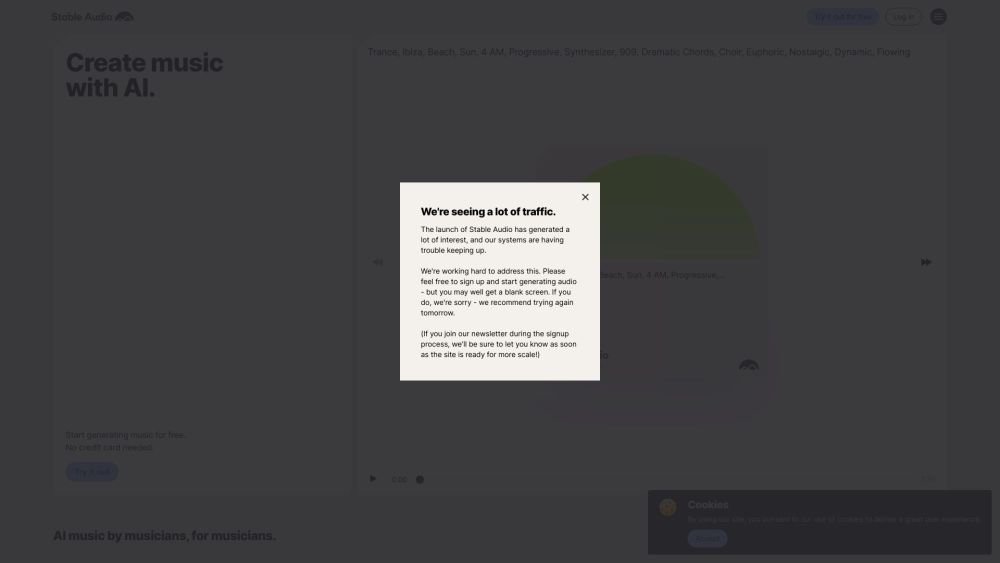
Stable Audio is a generative AI tool developed by Stability AI for creating music and sound effects. It allows users to generate high-quality audio in 44.1 kHz stereo from a text prompt and a specified duration, supporting both text-to-audio and audio-to-audio generation.
Users can create music and sound effects by inputting text prompts that describe the desired audio. Additionally, users can upload audio alongside text to experiment with style transfers and generate variations.
To manage your subscription and update payment details, log in to your account on our website and select your avatar in the top right corner. Choose 'Manage payments' to receive an email from Stripe with instructions on how to cancel your subscription or update your payment methods.
Paid subscriptions renew automatically on the same day and time of the month you initially subscribed. The free plan renews on the first day of each month.
Yes, you can upgrade or downgrade at any time via your account page. Upgrades take effect immediately, and you will be charged a prorated amount—including applicable VAT or sales tax—based on the timing of the change within your current billing cycle.
Stable Audio may grant refunds at our discretion. Eligible scenarios include accidental purchases by friends or family, unauthorized charges on your payment method, or requests made within 48 hours of a charge where usage remains below 2% of your monthly generation limit. Refund requests are processed manually; contact us to initiate a request, and we aim to respond within 2-3 business days. Once approved, Stripe typically credits your bank within 5-10 business days, depending on your financial institution. We reserve the right to decline or provide prorated refunds if there are indications of policy abuse.
The Creator license allows you to use generated audio for individual commercial projects and music releases, including streaming platforms, social media, personal podcasts, videos, and commercial products with fewer than 100,000 monthly active users (MAU). Note that social media views and follows do not count toward the MAU limit. Please review our pricing page and terms of service for full commercial use details.
Yes, you may cancel your subscription at any time. Audio generated on Pro and higher tiers remains covered under the original license after cancellation, provided you continue to adhere to the usage rights specified in the original paid tier. Please refer to our terms of service for further details.
Please contact us directly to discuss higher track limits on a case-by-case basis.
No, unused generations do not roll over to the following month.
Free plan available.
Use these comparison pages to understand the trade-offs between the models most relevant to Stable Audio.
Compare Gemini 1.0 Pro Deprecated and Gemini 2.0 Flash across pricing, context window, capabilities, benchmarks, and API access to choose the better fit for long-context workloads versus long-context workloads.
Compare Gemini 1.0 Pro Deprecated and Gemini 2.5 Flash across pricing, context window, capabilities, benchmarks, and API access to choose the better fit for long-context workloads versus long-context workloads.
Compare Gemini 2.0 Flash Lite and Gemini 2.0 Flash across pricing, context window, capabilities, benchmarks, and API access to choose the better fit for long-context workloads versus long-context workloads.
Compare Gemini 2.5 Flash and Gemini 2.0 Flash across pricing, context window, capabilities, benchmarks, and API access to choose the better fit for long-context workloads versus long-context workloads.

Similar AI tool in the AI Transcription category.
Similar AI tool in the AI Writing Assistants category.
Similar AI tool in the AI API category.
Similar AI tool in the AI Writing Assistants category.
Similar AI tool in the AI Assistant category.
Similar AI tool in the AI Text-to-Speech category.
Similar AI tool in the AI Image Generator category.
Similar AI tool in the AI Text-to-Speech category.
Similar AI tool in the AI Voice Cloning category.
Similar AI tool in the AI Course category.
Similar AI tool in the AI API category.
Similar AI tool in the AI Audio Editing category.