
Free
$0Free plan available.
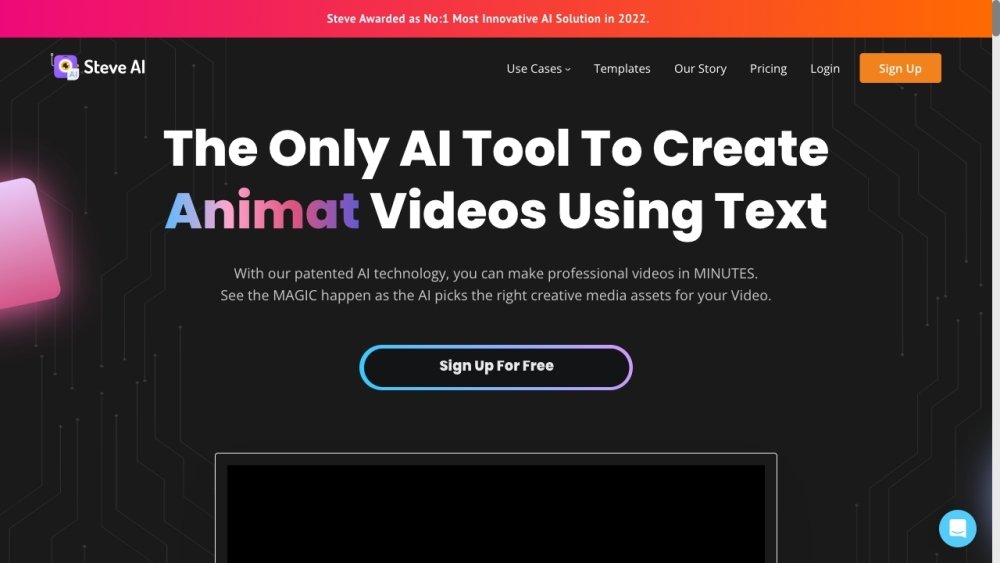
Steve AI is an AI video maker for social media and content marketers for creating Live and Animated videos. With Steve AI's assistance, you can turn blog posts, script, or text content into bite-sized videos for social media. It's features include Creative AI, Search AI and Fully Automated Solution.
Users can input blog posts, scripts, or text content, and Steve AI will automatically convert it into engaging videos.
Steve AI is an AI video generator that uses artificial intelligence to convert your ideas into engaging videos, even without professional editing experience.
The video creation process is straightforward, allowing you to convert text to video in just a few seconds. You can create videos up to 20 minutes long using Steve AI.
Steve AI allows you to generate five types of videos—including Generative AI, Animation, Live-action, TalkingHead, and Hybrid—by using a prompt, text/script, blog post, voiceover, or page URL as input.
Generating AI videos on Steve AI is free. Premium plans start at $15 per month, and custom options are available through the Enterprise plan.
Yes, our text-to-video AI tool offers various customization options, such as adding your own logos, uploading personal media, including GIFs, and creating YouTube intros and outros.
Free plan available.
Use these comparison pages to understand the trade-offs between the models most relevant to Steve AI.
Compare Gemini 1.0 Pro Deprecated and Gemini 2.0 Flash across pricing, context window, capabilities, benchmarks, and API access to choose the better fit for long-context workloads versus long-context workloads.
Compare Gemini 1.0 Pro Deprecated and Gemini 2.5 Flash across pricing, context window, capabilities, benchmarks, and API access to choose the better fit for long-context workloads versus long-context workloads.
Compare Gemini 2.0 Flash Lite and Gemini 2.0 Flash across pricing, context window, capabilities, benchmarks, and API access to choose the better fit for long-context workloads versus long-context workloads.
Compare Gemini 2.5 Flash and Gemini 2.0 Flash across pricing, context window, capabilities, benchmarks, and API access to choose the better fit for long-context workloads versus long-context workloads.

Similar AI tool in the AI Image Generator category.
Similar AI tool in the AI Marketing category.
Similar AI tool in the AI Image Generator category.
Similar AI tool in the AI Video Generator category.
Similar AI tool in the AI Image Generator category.
Similar AI tool in the AI Image Generator category.
Similar AI tool in the AI Writing Assistants category.
Similar AI tool in the AI Video Generator category.
Similar AI tool in the AI Assistant category.
Similar AI tool in the AI Video Generator category.
Similar AI tool in the AI Video Generator category.
Similar AI tool in the AI Summarizer category.