
Free
$0Free plan available.
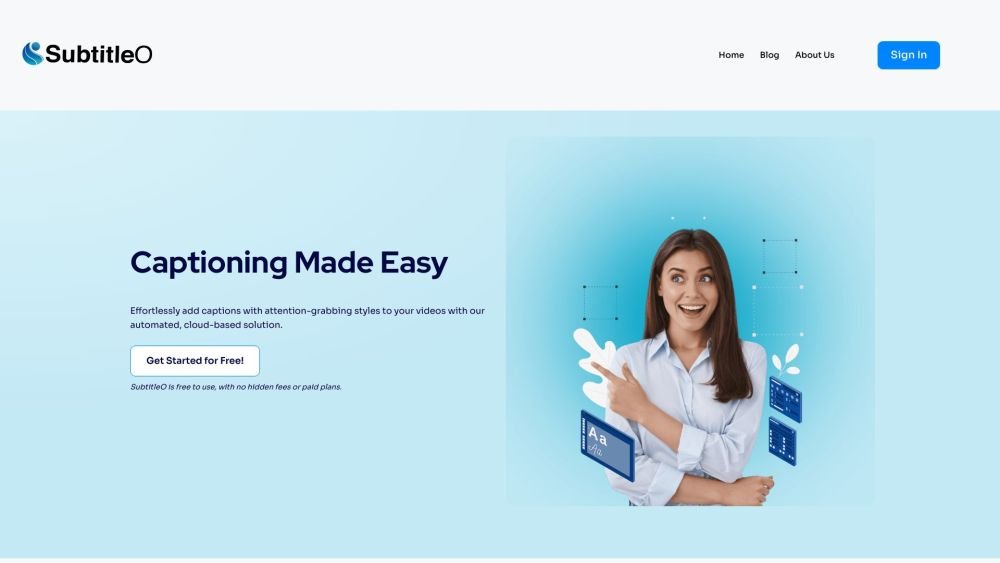
RenderCut is an AI-powered tool that automatically generates and customizes subtitles for videos. It helps content creators, marketers, and businesses enhance engagement and accessibility for their audiences by adding auto-generated captions with customizable styles in just a few clicks.
Upload your video to RenderCut, customize the captions using the available styling options, and export your captioned video for sharing.
Our AI technology provides highly accurate subtitles, though occasional errors may occur due to accents, background noise, or complex vocabulary.
Yes, you can easily edit and adjust the subtitles manually to ensure they are accurate and correctly timed.
Yes, SubtitleO is compatible with both Mac and PC and can be accessed through any web browser.
Yes, you can choose from a variety of styling options to make your subtitles visually appealing and aligned with your branding.
Generation time depends on the video length and audio complexity; however, our AI technology is designed for fast and efficient subtitle processing.
Free plan available.
Use these comparison pages to understand the trade-offs between the models most relevant to RenderCut.
Compare Gemini 1.0 Pro Deprecated and Gemini 2.0 Flash across pricing, context window, capabilities, benchmarks, and API access to choose the better fit for long-context workloads versus long-context workloads.
Compare Gemini 1.0 Pro Deprecated and Gemini 2.5 Flash across pricing, context window, capabilities, benchmarks, and API access to choose the better fit for long-context workloads versus long-context workloads.
Compare Gemini 2.0 Flash Lite and Gemini 2.0 Flash across pricing, context window, capabilities, benchmarks, and API access to choose the better fit for long-context workloads versus long-context workloads.
Compare Gemini 2.5 Flash and Gemini 2.0 Flash across pricing, context window, capabilities, benchmarks, and API access to choose the better fit for long-context workloads versus long-context workloads.

Similar AI tool in the AI Transcription category.
Similar AI tool in the AI Copilot category.
Similar AI tool in the AI Summarizer category.
Similar AI tool in the AI Writing Assistants category.
Similar AI tool in the AI Chatbot category.
Similar AI tool in the AI Assistant category.
Similar AI tool in the AI Assistant category.
Similar AI tool in the AI Chatbot category.
Similar AI tool in the Large Language Models (LLMs) category.
Similar AI tool in the AI Assistant category.
Similar AI tool in the AI Writing Assistants category.
Similar AI tool in the AI Assistant category.