
Free
$0Free plan available.
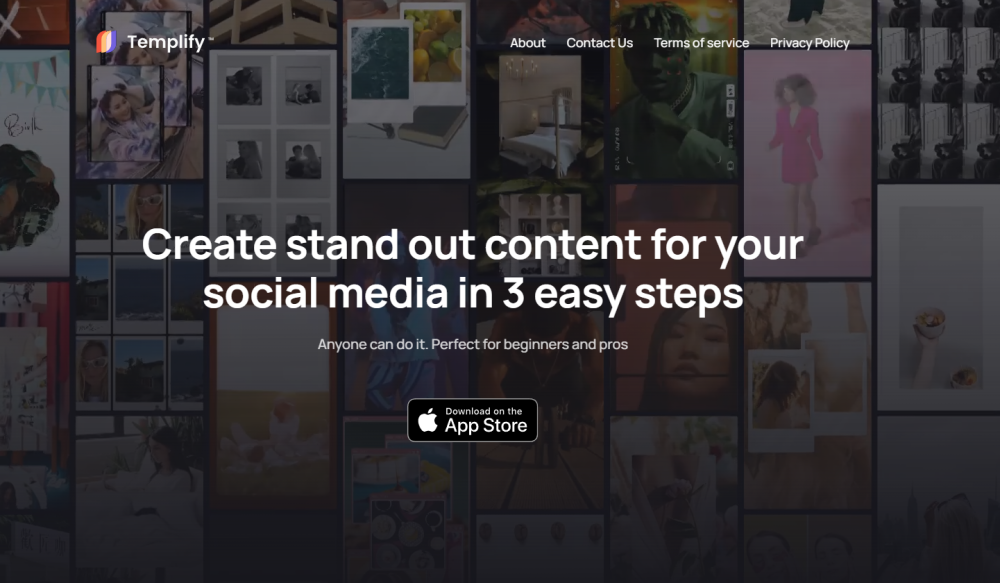
Templify is an iPhone app that automatically generates professional videos in seconds using your source files. It offers a library of hundreds of templates, text effects, and high-quality animations to enhance your content. Users can add media, apply filters and effects, select royalty-free music, and easily share their creations. The app also features auto-beat sync, which automatically times your video edits to the rhythm of the music.
To use Templify, select a template, upload your photos or videos, and choose a royalty-free music track; the app will then automatically sync your edits to the beat. You can further customize your video with filters, effects, and text before exporting it in your preferred format.
You can create engaging social media content using hundreds of available templates, text effects, and high-quality animations.
You can produce a high-quality video in less than 10 seconds.
Simply choose a template, add your media files, select royalty-free music, and your video is ready to share.
You can export your videos in various formats, including Story, Landscape, and Square.
Free plan available.
Use these comparison pages to understand the trade-offs between the models most relevant to Templify.
Compare Gemini 1.0 Pro Deprecated and Gemini 2.0 Flash across pricing, context window, capabilities, benchmarks, and API access to choose the better fit for long-context workloads versus long-context workloads.
Compare Gemini 1.0 Pro Deprecated and Gemini 2.5 Flash across pricing, context window, capabilities, benchmarks, and API access to choose the better fit for long-context workloads versus long-context workloads.
Compare Gemini 2.0 Flash Lite and Gemini 2.0 Flash across pricing, context window, capabilities, benchmarks, and API access to choose the better fit for long-context workloads versus long-context workloads.
Compare Gemini 2.5 Flash and Gemini 2.0 Flash across pricing, context window, capabilities, benchmarks, and API access to choose the better fit for long-context workloads versus long-context workloads.

Similar AI tool in the AI Social Media category.
Similar AI tool in the AI Social Media category.
Similar AI tool in the AI Marketing category.
Similar AI tool in the AI Video Generator category.
Similar AI tool in the AI Image Generator category.
Similar AI tool in the AI Assistant category.
Similar AI tool in the AI Assistant category.
Similar AI tool in the AI Video Generator category.
Similar AI tool in the AI Chatbot category.
Similar AI tool in the AI Marketing category.
Similar AI tool in the AI Marketing category.
Similar AI tool in the AI Marketing category.