
Free
$0Free plan available.
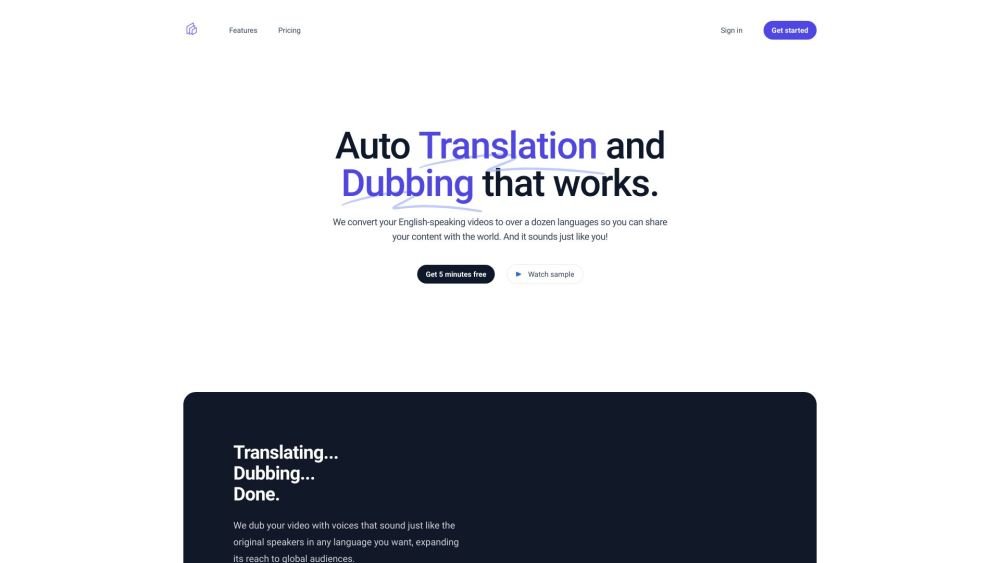
Translate This Video is a service that converts English-language videos into over a dozen languages, enabling creators to reach a global audience. The platform utilizes voice cloning technology to dub videos while maintaining the original speaker's vocal characteristics. Additionally, it provides instant multi-language transcripts with built-in editing capabilities.
Users upload their video and select a target language; the service then automatically translates and dubs the content using voice cloning technology. Once complete, users receive download links for the translated video, audio tracks, and transcripts.
We support translating videos from English into Arabic, Chinese, Dutch, French, German, Hindi, Indonesian, Italian, Japanese, Korean, Portuguese, Russian, Spanish, and Turkish.
Once processing is complete, we will email you download links for the translated video, an audio-only track for multi-language YouTube uploads, a voice-only audio track, and both English and translated SRT subtitle files.
In most cases, yes. We use multiple AI layers to ensure accurate transcription. While non-English words interspersed in English speech can occasionally cause issues, we generally handle accents well. If errors occur, you can edit the transcript and reprocess the video at no additional cost.
Processing typically takes approximately three times the duration of the original video.
Yes. We can imitate and translate multiple speakers in a single video, provided you have the necessary permissions to clone their voices.
Yes. We aim for a high-quality experience and are happy to provide a refund if you are dissatisfied or if a competitor provides a better result. Please refer to our refund policy for further details.
Free plan available.
Use these comparison pages to understand the trade-offs between the models most relevant to Translate This Video.
Compare Gemini 1.0 Pro Deprecated and Gemini 2.0 Flash across pricing, context window, capabilities, benchmarks, and API access to choose the better fit for long-context workloads versus long-context workloads.
Compare Gemini 1.0 Pro Deprecated and Gemini 2.5 Flash across pricing, context window, capabilities, benchmarks, and API access to choose the better fit for long-context workloads versus long-context workloads.
Compare Gemini 2.0 Flash Lite and Gemini 2.0 Flash across pricing, context window, capabilities, benchmarks, and API access to choose the better fit for long-context workloads versus long-context workloads.
Compare Gemini 2.5 Flash and Gemini 2.0 Flash across pricing, context window, capabilities, benchmarks, and API access to choose the better fit for long-context workloads versus long-context workloads.

Similar AI tool in the AI Video Generator category.
Similar AI tool in the AI Social Media category.
Similar AI tool in the AI Video Generator category.
Similar AI tool in the AI Writing Assistants category.
Similar AI tool in the AI Image Generator category.
Similar AI tool in the AI Assistant category.
Similar AI tool in the AI Answer category.
Similar AI tool in the AI Assistant category.
Similar AI tool in the AI Chatbot category.
Similar AI tool in the Large Language Models (LLMs) category.
Similar AI tool in the AI Assistant category.
Similar AI tool in the AI Writing Assistants category.