
Free Plan
$$0 per monthPricing from the source listing.
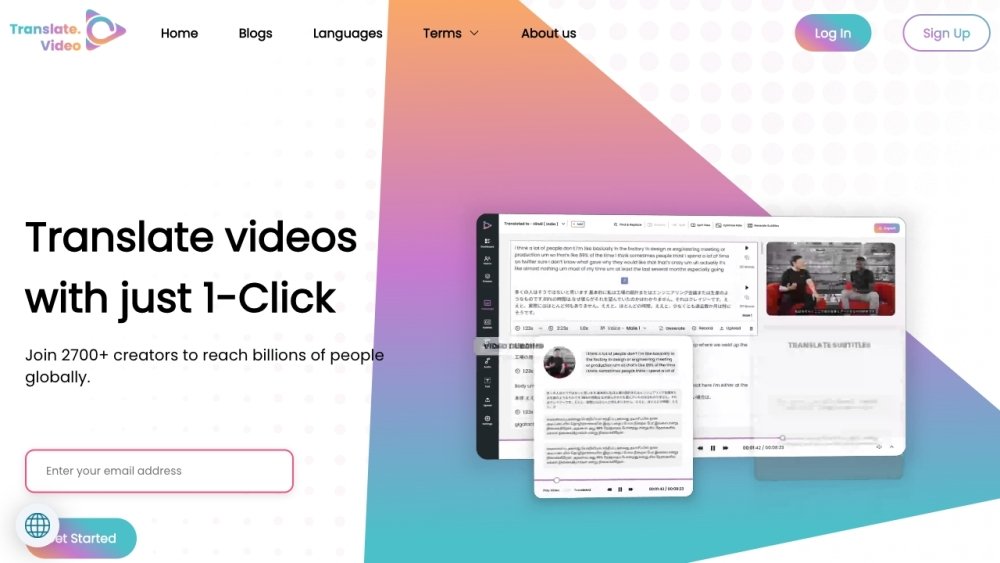
Translate.Video provides AI-powered tools for video translation, captioning, subtitle generation, dubbing, and voice-overs in over 75 languages with one-click functionality. The platform features multi-speaker translation with speaker diarization to maintain authentic tones and personalities, alongside instant voice cloning that requires only 50 seconds of audio to replicate a user's voice across supported languages. The platform streamlines captioning, subtitling, and dubbing to improve content accessibility.
Users can translate videos into over 75 languages with a single click. Additionally, users can clone their voice using 50 seconds of audio to generate speech in any supported language. The platform also provides tools for creating captions, subtitles, dubbing, AI voice-overs, and transcripts.
Translate.Video provides AI-powered video translation, captioning, subtitle translation, dubbing, voice-overs, recording, and transcript generation in over 75 languages.
Translate.Video is designed to be 100 times faster than manual translation processes.
Speaker Diarization is an AI feature that enables accurate translation for videos with multiple speakers, ensuring that the personality and tone of each speaker are preserved.
By providing 50 seconds of audio, you can create a digital clone of your voice that can speak in over 75 languages with a single click.
Pricing from the source listing.
Pricing from the source listing.
Pricing from the source listing.
Pricing from the source listing.
Use these comparison pages to understand the trade-offs between the models most relevant to Translate.Video.
Compare Gemini 1.0 Pro Deprecated and Gemini 2.0 Flash across pricing, context window, capabilities, benchmarks, and API access to choose the better fit for long-context workloads versus long-context workloads.
Compare Gemini 1.0 Pro Deprecated and Gemini 2.5 Flash across pricing, context window, capabilities, benchmarks, and API access to choose the better fit for long-context workloads versus long-context workloads.
Compare Gemini 2.0 Flash Lite and Gemini 2.0 Flash across pricing, context window, capabilities, benchmarks, and API access to choose the better fit for long-context workloads versus long-context workloads.
Compare Gemini 2.5 Flash and Gemini 2.0 Flash across pricing, context window, capabilities, benchmarks, and API access to choose the better fit for long-context workloads versus long-context workloads.

Similar AI tool in the AI Transcription category.
Similar AI tool in the AI Copilot category.
Similar AI tool in the AI Video Generator category.
Similar AI tool in the AI Social Media category.
Similar AI tool in the AI Summarizer category.
Similar AI tool in the AI Video Generator category.
Similar AI tool in the AI Marketing category.
Similar AI tool in the AI Image Generator category.
Similar AI tool in the AI Chatbot category.
Similar AI tool in the AI Image Generator category.
Similar AI tool in the AI Video Generator category.
Similar AI tool in the AI Answer category.