
Free
$0Free plan available.
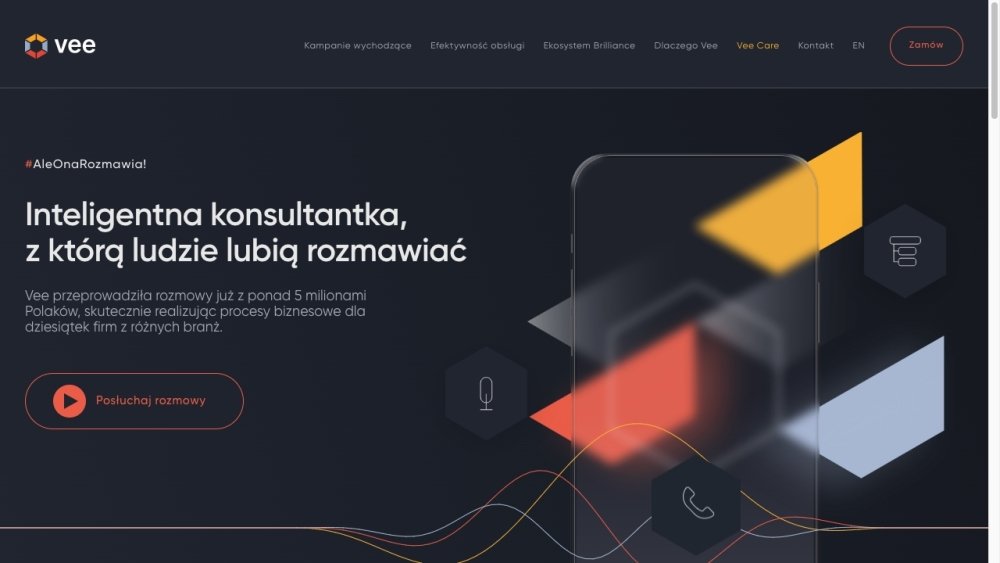
Vee Desk is an AI-powered virtual receptionist designed to handle incoming phone calls for businesses. It can answer calls, determine the caller's purpose, transfer calls to the appropriate person, answer selected questions, and provide reports on its activities. Vee Desk aims to provide comfort by ensuring no phone calls go unanswered.
To use Vee Desk, configure your client handling preferences in the user panel and connect the service to your business phone number. Once connected, Vee Desk will automatically answer incoming calls based on your settings, with all call activity and results tracked and displayed in the user panel.
Vee Desk can provide details regarding service outages, current promotions, website news, delivery delays, complaint procedures, loyalty programs, application status, payment deadlines, and regulatory changes.
Vee Desk efficiently manages client inquiries, supports your customers when you are unavailable, and handles routine frequently asked questions on your behalf.
After you define your handling preferences and connect your business number in the user panel, Vee Desk begins answering incoming calls. It processes callers according to your configuration, and all interaction results are recorded and visible in the user panel.
Free plan available.
Use these comparison pages to understand the trade-offs between the models most relevant to Vee Desk.
Compare Gemini 1.0 Pro Deprecated and Gemini 2.0 Flash across pricing, context window, capabilities, benchmarks, and API access to choose the better fit for long-context workloads versus long-context workloads.
Compare Gemini 1.0 Pro Deprecated and Gemini 2.5 Flash across pricing, context window, capabilities, benchmarks, and API access to choose the better fit for long-context workloads versus long-context workloads.
Compare Gemini 2.0 Flash Lite and Gemini 2.0 Flash across pricing, context window, capabilities, benchmarks, and API access to choose the better fit for long-context workloads versus long-context workloads.
Compare Gemini 2.5 Flash and Gemini 2.0 Flash across pricing, context window, capabilities, benchmarks, and API access to choose the better fit for long-context workloads versus long-context workloads.

Similar AI tool in the AI Lead Generation category.
Similar AI tool in the AI Chatbot category.
Similar AI tool in the AI Assistant category.
Similar AI tool in the AI Chatbot category.
Similar AI tool in the AI Assistant category.
Similar AI tool in the AI Assistant category.
Similar AI tool in the AI API category.
Similar AI tool in the AI Chatbot category.
Similar AI tool in the AI Image Generator category.
Similar AI tool in the AI Productivity Tools category.
Similar AI tool in the AI Chatbot category.
Similar AI tool in the AI Chatbot category.