
Free
$0Free plan available.
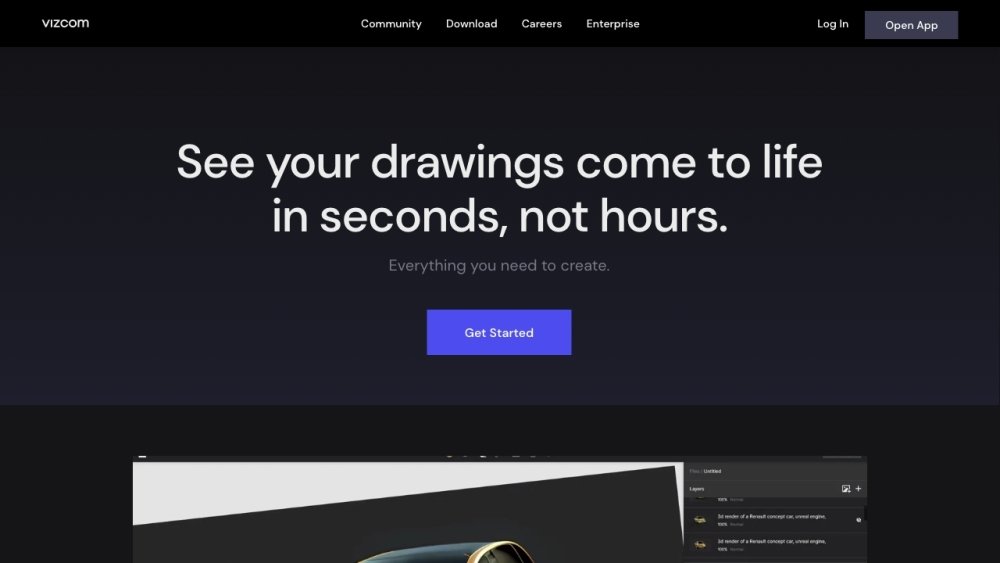
Vizcom is a creative tool built for design and creative professionals. It offers a transformative approach to concept drawing, enabling users to turn their sketches into impressive realistic renderings quickly and efficiently. Vizcom helps designers and enterprises innovate faster with AI-powered tools, transforming sketches into renders and 3D models in seconds.
Create your sketch by drawing directly within the Vizcom studio or by uploading a photo. Apply a default style or a custom Palette to render your design. Generate a 3D model from your rendering, then export it for AR viewing or 3D printing.
The website does not explicitly state whether a free version is available. Please check the official Vizcom website for current pricing details.
Yes, you maintain full ownership of all designs generated on the Vizcom platform.
The website does not provide information regarding whether user data is used to train AI models. Please consult the Vizcom website for their data policy.
The website does not specify which payment methods are supported. Please refer to the Vizcom website for more information.
The website does not specify if subscription billing cycles can be changed. Please refer to the Vizcom website for further details.
Free plan available.
Use these comparison pages to understand the trade-offs between the models most relevant to Vizcom.
Compare Amazon Nova Pro and Amazon Nova Lite across pricing, context window, capabilities, benchmarks, and API access to choose the better fit for tool-augmented workflows versus tool-augmented workflows.
Compare Amazon Nova Lite and Amazon Nova Micro across pricing, context window, capabilities, benchmarks, and API access to choose the better fit for tool-augmented workflows versus tool-augmented workflows.
Compare Amazon Nova Lite and Mistral Medium 3 across pricing, context window, capabilities, benchmarks, and API access to choose the better fit for tool-augmented workflows versus tool-augmented workflows.
Compare Amazon Nova Lite and Mistral Small 3.1 (25.03) across pricing, context window, capabilities, benchmarks, and API access to choose the better fit for tool-augmented workflows versus cost-efficient scale.

Similar AI tool in the AI Image Generator category.
Similar AI tool in the AI Chatbot category.
Similar AI tool in the AI Image Generator category.
Similar AI tool in the No-Code&Low-Code category.
Similar AI tool in the AI Chatbot category.
Similar AI tool in the AI Image Generator category.
Similar AI tool in the AI Image Generator category.
Similar AI tool in the AI Assistant category.
Similar AI tool in the AI Image Generator category.
Similar AI tool in the AI Design Generator category.
Similar AI tool in the AI Art Generator category.
Similar AI tool in the AI Image Generator category.