
Free
$0Free plan available.
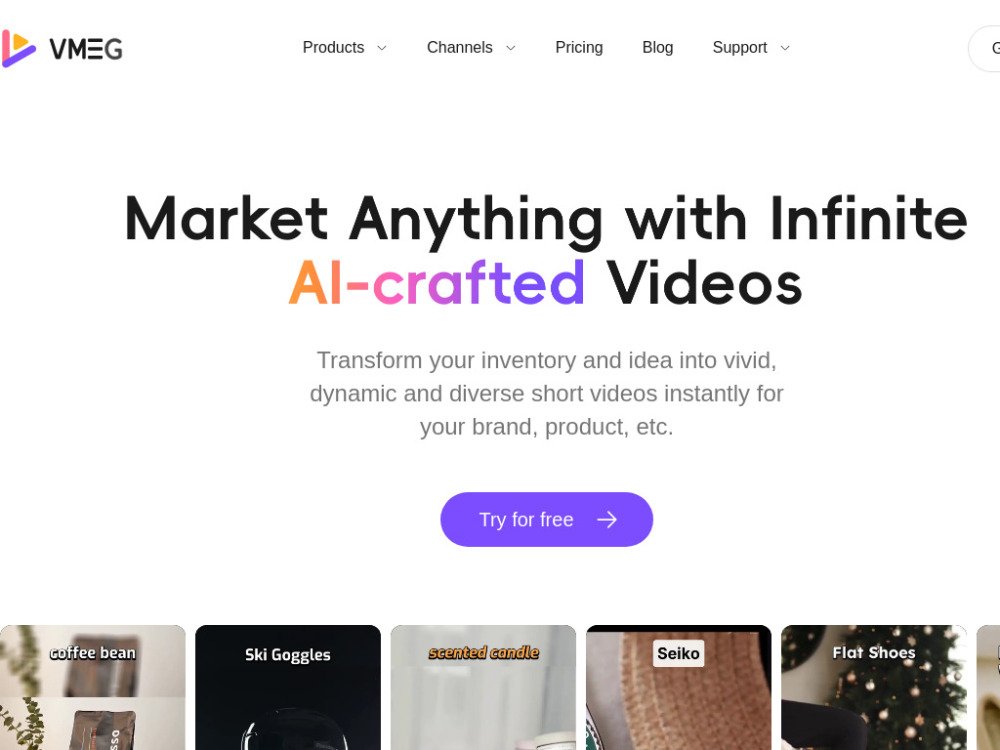
VMEG is an AI video localization platform that translates, dubs, and adapts content into 170+ languages and 7,000+ voices with lip-sync precision and cultural accuracy for global audiences.
Upload your video, select the target language, specify speakers, choose or clone a voice, apply subtitle templates, review and edit your content, adjust voice settings, and export the final result.
VMEG supports over 170 languages, including English, Spanish, French, German, Italian, Arabic, Thai, Hebrew, Chinese, Japanese, Russian, Korean, and many others.
Yes, VMEG automatically transcribes and translates your video audio into your chosen language using either a selected voice or your own cloned voice.
Yes, VMEG recognizes multiple speakers within a video. It also automatically detects music and background noise, ensuring that only human speech is processed.
Yes, you can upload an SRT file of your original video before submission to ensure the accuracy and integrity of the translation.
You can translate videos from YouTube, Instagram, Facebook, or TikTok by saving the file offline and processing it through the VMEG video translator.
Yes, you can modify the text in our advanced editor after submitting your task and regenerate the speech with one click at no additional cost.
Yes, you can update the speaker settings in our advanced editor after submission to test different voices or clones until you are satisfied, at no extra cost.
Yes, VMEG provides free credits that allow you to translate video content with high accuracy at no cost.
The processing time depends on the length and size of your file, but it typically takes only a few minutes.
Once the export process is finished, simply click the Download button to save your file in your preferred format, such as MP3, MP4, or SRT.
Free plan available.
Use these comparison pages to understand the trade-offs between the models most relevant to VMEG.
Compare Gemini 1.0 Pro Deprecated and Gemini 2.0 Flash across pricing, context window, capabilities, benchmarks, and API access to choose the better fit for long-context workloads versus long-context workloads.
Compare Gemini 1.0 Pro Deprecated and Gemini 2.5 Flash across pricing, context window, capabilities, benchmarks, and API access to choose the better fit for long-context workloads versus long-context workloads.
Compare Gemini 2.0 Flash Lite and Gemini 2.0 Flash across pricing, context window, capabilities, benchmarks, and API access to choose the better fit for long-context workloads versus long-context workloads.
Compare Gemini 2.5 Flash and Gemini 2.0 Flash across pricing, context window, capabilities, benchmarks, and API access to choose the better fit for long-context workloads versus long-context workloads.

Similar AI tool in the AI Transcription category.
Similar AI tool in the AI Copilot category.
Similar AI tool in the AI Video Generator category.
Similar AI tool in the AI Social Media category.
Similar AI tool in the AI Summarizer category.
Similar AI tool in the AI Video Generator category.
Similar AI tool in the AI Writing Assistants category.
Similar AI tool in the AI Chatbot category.
Similar AI tool in the AI Image Generator category.
Similar AI tool in the AI Assistant category.
Similar AI tool in the AI Answer category.
Similar AI tool in the AI Assistant category.