
Free
$0Free plan available.
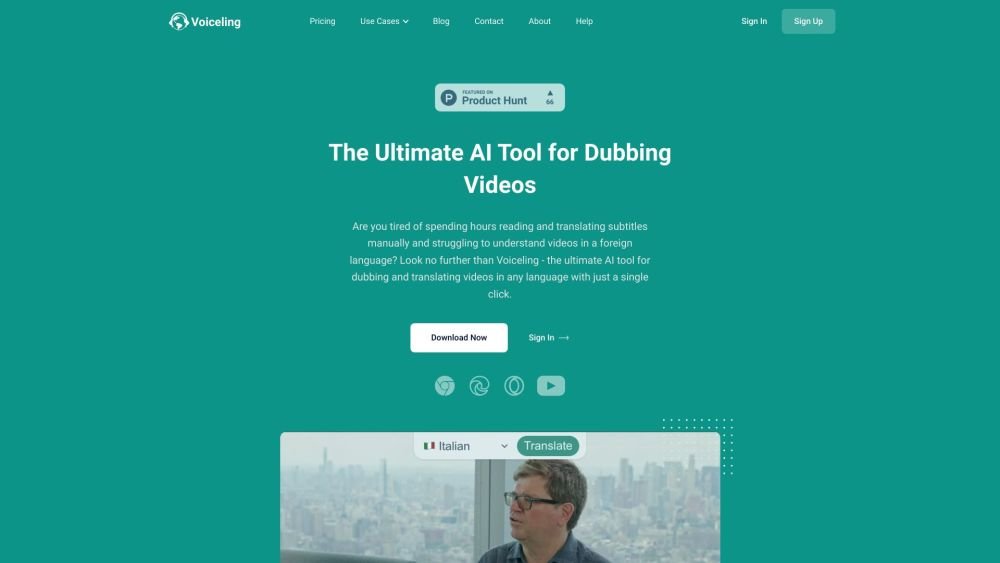
Voiceling is an AI-driven Chrome Extension that enables YouTube dubbing and translation for videos. It supports 30+ languages with realistic voiceovers, gender recognition, multi-speaker detection, and background noise conservation. Voiceling aims to provide a dubbing and translation experience with AI that rivals human quality, eliminating the need for expensive translators.
Install the Voiceling Chrome extension. Navigate to any YouTube video. Click the 'Translate' button that appears to dub the video into your preferred language.
Voiceling supports Bulgarian, Chinese, Czech, Danish, Dutch, English (USA), English (UK), Estonian, Finnish, French, German, Greek, Hungarian, Indonesian, Italian, Japanese, Korean, Latvian, Lithuanian, Norwegian, Polish, Portuguese (Brazil), Portuguese (Portugal), Romanian, Russian, Slovak, Slovenian, Spanish, Swedish, Turkish, and Ukrainian.
Right-click on the YouTube Short you wish to translate, select 'Copy video URL,' open a new browser tab, and paste the URL into the address bar. The Voiceling 'Translate' button will then appear on the video.
Voiceling can translate technical content, though accuracy may be slightly reduced and some words may be omitted. Our AI algorithms are continuously updated to improve precision for complex subject matter.
During our beta phase, there is a 20-minute limit per video due to infrastructure constraints. Our algorithms function effectively within this timeframe, and we are working to expand our capacity to remove these limits in the future.
No, Voiceling is currently not available as a mobile app, though we have plans to develop one in the future.
Voiceling typically dubs a 20-minute video in approximately 5 minutes.
Currently, Voiceling only supports YouTube videos when used in Chromium-based browsers, including Chrome, Yandex, Edge, Opera, Brave, and Vivaldi.
Yes, we provide 24/7 customer support. If you require assistance, please contact us via email at support@voiceling.ai.
Yes, we prioritize your privacy and data security. We do not have access to your credit card information, as all payments are processed through the secure Stripe payment gateway.
Yes, you can cancel your subscription at any time. You will retain access to Voiceling features until the end of your current billing cycle.
Free plan available.
Use these comparison pages to understand the trade-offs between the models most relevant to Voiceling.
Compare Gemini 1.0 Pro Deprecated and Gemini 2.0 Flash across pricing, context window, capabilities, benchmarks, and API access to choose the better fit for long-context workloads versus long-context workloads.
Compare Gemini 1.0 Pro Deprecated and Gemini 2.5 Flash across pricing, context window, capabilities, benchmarks, and API access to choose the better fit for long-context workloads versus long-context workloads.
Compare Gemini 2.0 Flash Lite and Gemini 2.0 Flash across pricing, context window, capabilities, benchmarks, and API access to choose the better fit for long-context workloads versus long-context workloads.
Compare Gemini 2.5 Flash and Gemini 2.0 Flash across pricing, context window, capabilities, benchmarks, and API access to choose the better fit for long-context workloads versus long-context workloads.

Similar AI tool in the AI Transcription category.
Similar AI tool in the AI Copilot category.
Similar AI tool in the AI Summarizer category.
Similar AI tool in the AI Marketing category.
Similar AI tool in the AI Writing Assistants category.
Similar AI tool in the AI Image Generator category.
Similar AI tool in the AI Chatbot category.
Similar AI tool in the AI Image Generator category.
Similar AI tool in the AI Video Generator category.
Similar AI tool in the AI Assistant category.
Similar AI tool in the AI Writing Assistants category.
Similar AI tool in the AI Video Generator category.