
Free
$0Free plan available.
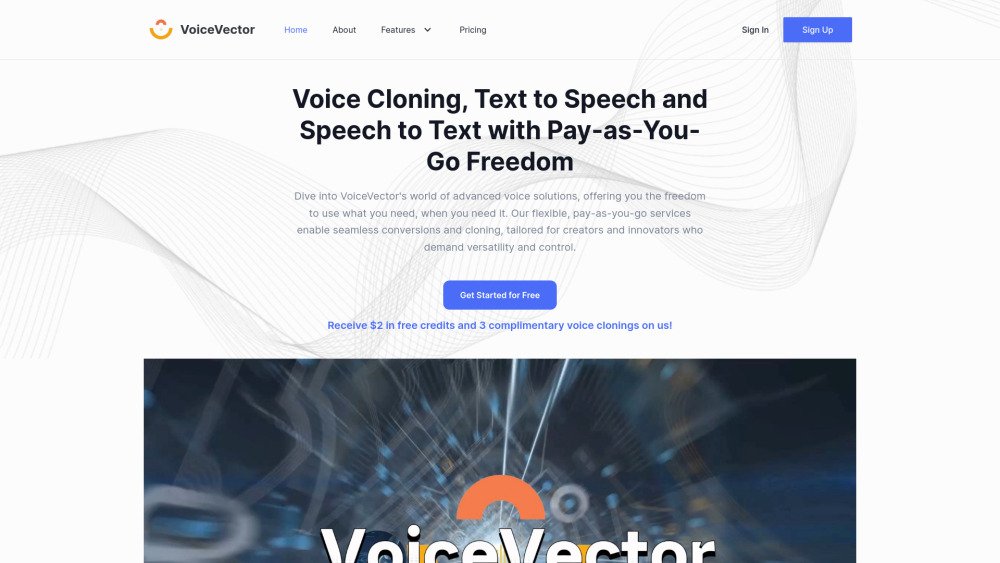
VoiceVector offers cutting-edge unlimited voice cloning, text-to-speech (speech synthesis), and speech-to-text (speech recognition) technologies on both a subscription and flexible pay-as-you-go basis. It is ideal for developers, podcasters, and content creators.
Users can access VoiceVector services by loading credits for a pay-as-you-go model or by selecting a monthly subscription plan for increased cost efficiency.
You pay based on your actual usage. There is a minimum top-up of $5, with no restrictions on the frequency or maximum amount of top-ups.
Yes. Subscription credits are consumed first, and pay-as-you-go credits are used once your subscription balance is exhausted.
Existing pay-as-you-go credits can be applied toward subscription costs, with a minimum subscription payment of $1.
No. While subscription plans limit the number of new voice clones created per month, there is no limit on the total number of voices stored in your account. Note that cloned voices inactive in text-to-speech tasks for over two months will be deleted.
Your voices are retained as long as they are used for a text-to-speech task at least once every two months.
Yes, you may use cloned voices for commercial purposes. You must ensure you hold the necessary legal rights to use the voice, especially if it is not your own. Per the terms of service, VoiceVector is not liable for legal issues.
Credits do not expire, but refunds are not issued. Please top up an amount appropriate for your expected usage.
No, the service quality is identical for both.
Processing typically takes 6 to 30 minutes, depending on current service load. You can use the cloned voice for text-to-speech tasks immediately after the process finishes.
No. Cloned voices are private and cannot be accessed by other accounts.
No, you are not charged for failed requests.
Free plan available.
Use these comparison pages to understand the trade-offs between the models most relevant to VoiceVector.
Compare Gemini 1.0 Pro Deprecated and Gemini 2.0 Flash across pricing, context window, capabilities, benchmarks, and API access to choose the better fit for long-context workloads versus long-context workloads.
Compare Gemini 2.0 Flash Lite and Gemini 2.0 Flash across pricing, context window, capabilities, benchmarks, and API access to choose the better fit for long-context workloads versus long-context workloads.
Compare Gemini 1.0 Pro Deprecated and Gemini 1.5 Flash Deprecated across pricing, context window, capabilities, benchmarks, and API access to choose the better fit for long-context workloads versus general-purpose AI workloads.
Compare Gemini 1.0 Pro Deprecated and Gemini 1.5 Flash Vision Deprecated across pricing, context window, capabilities, benchmarks, and API access to choose the better fit for long-context workloads versus general-purpose AI workloads.

Similar AI tool in the AI Chatbot category.
Similar AI tool in the AI Assistant category.
Similar AI tool in the AI Marketing category.
Similar AI tool in the AI Assistant category.
Similar AI tool in the AI API category.
Similar AI tool in the AI Image Generator category.
Similar AI tool in the AI Chatbot category.
Similar AI tool in the AI Image Generator category.
Similar AI tool in the AI Video Generator category.
Similar AI tool in the AI Writing Assistants category.
Similar AI tool in the AI Video Generator category.
Similar AI tool in the AI Chatbot category.