
Free
$0Free plan available.
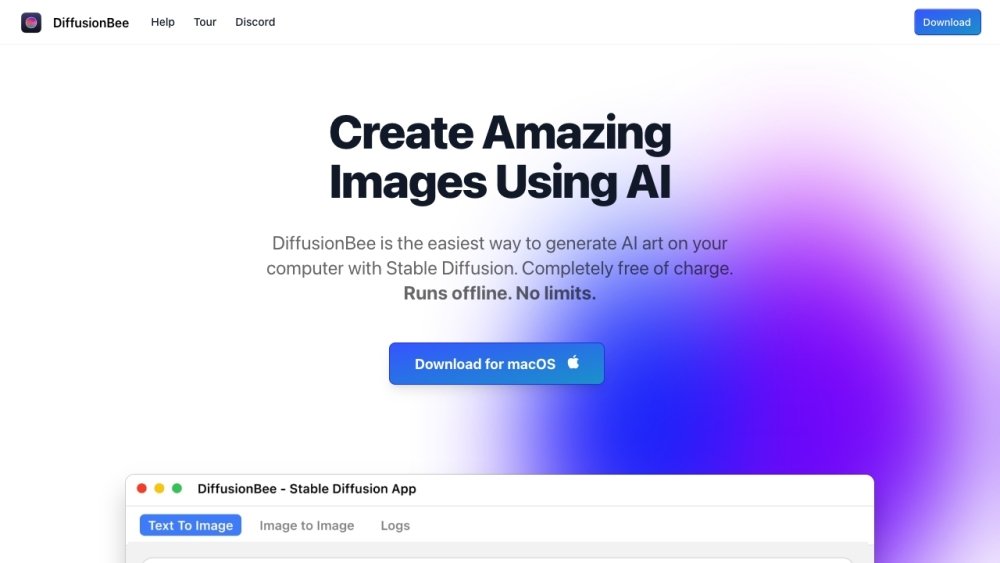
DiffusionBee is a free application that allows users to generate AI art on their computers using Stable Diffusion. It provides an easy-to-use interface for running AI apps locally, offering tools for text-to-image generation, generative fill, video tools, image-to-image transformation, image upscaling, image variants, model training, control image usage, and illusion generation.
Download and install DiffusionBee on your macOS or Intel-based computer. Utilize the built-in tools, such as Text to Image, Generative Fill, or Image to Image, by entering text prompts or uploading source images. The application then processes your data locally to produce the desired AI-generated art.
Images are generated locally on your computer; no data is sent to the cloud.
On an 8GB M1 MacBook Air, image generation typically takes about 30 seconds. Performance is faster on computers with higher specifications.
Yes, you may freely use the generated images provided you comply with the CreativeML Open RAIL-M license.
DiffusionBee requires macOS 13.1 or later. Apple silicon machines are recommended.
Yes, DiffusionBee is compatible with Intel-based machines, though performance may be significantly slower than on M1 devices if a dedicated graphics chip is not present.
Free plan available.
Use these comparison pages to understand the trade-offs between the models most relevant to DiffusionBee.
Compare Gemini 1.0 Pro Deprecated and Gemini 2.0 Flash across pricing, context window, capabilities, benchmarks, and API access to choose the better fit for long-context workloads versus long-context workloads.
Compare Gemini 1.0 Pro Deprecated and Gemini 2.5 Flash across pricing, context window, capabilities, benchmarks, and API access to choose the better fit for long-context workloads versus long-context workloads.
Compare Gemini 2.0 Flash Lite and Gemini 2.0 Flash across pricing, context window, capabilities, benchmarks, and API access to choose the better fit for long-context workloads versus long-context workloads.
Compare Gemini 2.5 Flash and Gemini 2.0 Flash across pricing, context window, capabilities, benchmarks, and API access to choose the better fit for long-context workloads versus long-context workloads.

Similar AI tool in the AI Chatbot category.
Similar AI tool in the AI Video Generator category.
Similar AI tool in the AI Image Generator category.
Similar AI tool in the AI Image Generator category.
Similar AI tool in the AI Assistant category.
Similar AI tool in the AI Video Generator category.
Similar AI tool in the AI Image Generator category.
Similar AI tool in the AI Image Generator category.
Similar AI tool in the AI Chatbot category.
Similar AI tool in the AI Assistant category.
Similar AI tool in the AI Image Generator category.
Similar AI tool in the AI Video Generator category.