
Free
$0Free plan available.
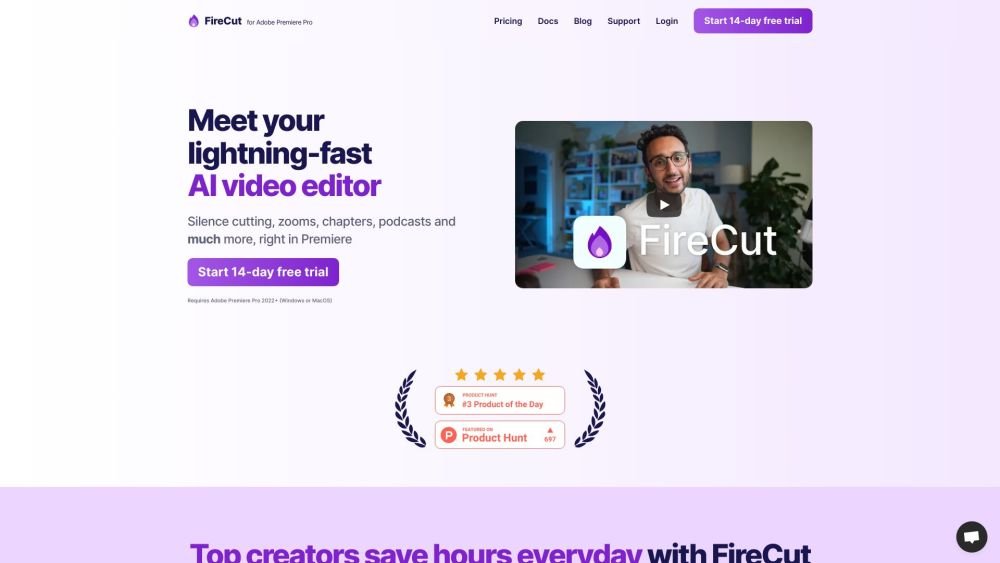
FireCut AI is a co-pilot for Adobe Premiere Pro that automates tedious tasks such as cutting silences, removing repeated takes, adding captions, and detecting chapters. It enhances editing productivity by integrating AI into your workflow to speed up repetitive processes like footage cleanup, zoom cuts, and chapter detection. Furthermore, FireCut includes FireCut Shorts, a browser-based video editor for creating viral short-form content with features like silence removal, captioning, B-roll integration, and audio enhancement.
To use FireCut for Premiere Pro, install the plugin and run it within Adobe Premiere Pro 2022 or later. For FireCut Shorts, open the tool in your web browser and upload your video file.
FireCut AI is an AI-powered video editing tool that automates repetitive tasks within Adobe Premiere Pro and provides a browser-based editor for short-form videos.
Key features include silence removal, automatic captions, zoom cuts, chapter detection, B-roll integration, audio enhancement, and more.
Yes, FireCut AI provides a 7-day free trial.
FireCut Shorts is limited to 25 videos per month, with each clip capped at 5 minutes in length.
English is fully supported, while other languages are currently in experimental support.
Free plan available.
Use these comparison pages to understand the trade-offs between the models most relevant to FireCut AI.
Compare Gemini 1.0 Pro Deprecated and Gemini 2.0 Flash across pricing, context window, capabilities, benchmarks, and API access to choose the better fit for long-context workloads versus long-context workloads.
Compare Gemini 1.0 Pro Deprecated and Gemini 2.5 Flash across pricing, context window, capabilities, benchmarks, and API access to choose the better fit for long-context workloads versus long-context workloads.
Compare Gemini 2.0 Flash Lite and Gemini 2.0 Flash across pricing, context window, capabilities, benchmarks, and API access to choose the better fit for long-context workloads versus long-context workloads.
Compare Gemini 2.5 Flash and Gemini 2.0 Flash across pricing, context window, capabilities, benchmarks, and API access to choose the better fit for long-context workloads versus long-context workloads.

Similar AI tool in the AI Video Generator category.
Similar AI tool in the AI Social Media category.
Similar AI tool in the AI Video Generator category.
Similar AI tool in the AI API category.
Similar AI tool in the AI Image Generator category.
Similar AI tool in the AI Answer category.
Similar AI tool in the AI Assistant category.
Similar AI tool in the AI Video Generator category.
Similar AI tool in the AI Video Generator category.
Similar AI tool in the AI Video Editor category.
Similar AI tool in the AI Marketing category.
Similar AI tool in the AI Video Generator category.