
Free
$0Free plan available.
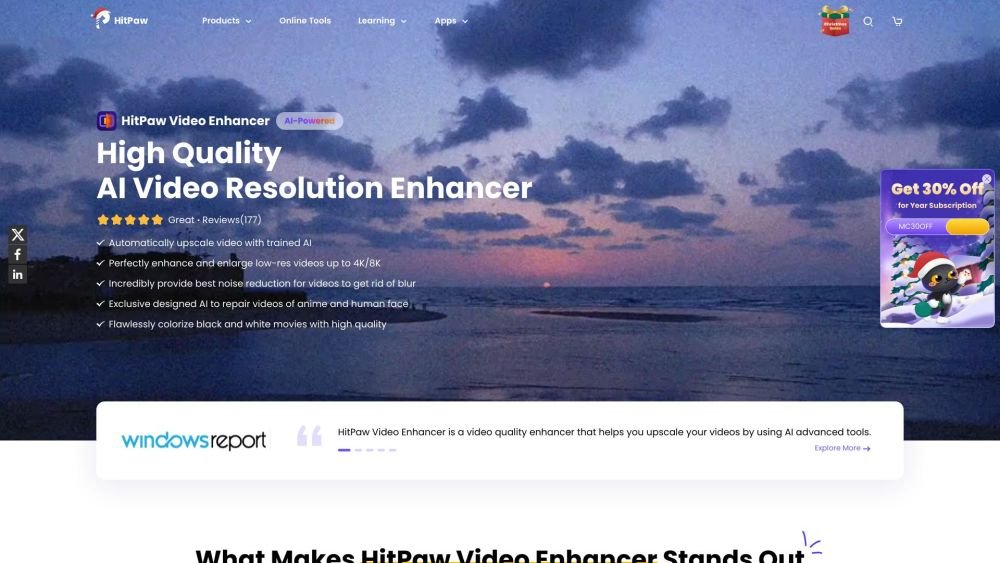
HitPaw VikPea (formerly HitPaw Video Enhancer) is an AI video enhancer that upscales video resolution up to 8K, unblurs footage, colorizes black and white videos, repairs corrupted videos, and removes background noise. It offers various AI models for different video types, including detail recovery, animation, face, colorize, and video repair models. VikPea also provides features like batch processing, GPU acceleration, and no watermarks.
To use HitPaw VikPea, launch the application, upload your video file, choose the appropriate AI model for your video type, preview the results, and export your enhanced video.
HitPaw Video Enhancer was officially rebranded as HitPaw VikPea on October 29, 2024. This update introduced a refined enhancement model for more precise 4K upscaling and quality restoration. Furthermore, HitPaw VikPea features an updated interface and a new AI Color Module, which includes capabilities like SDR to HDR conversion for advanced color processing.
HitPaw VikPea allows you to upscale HD or 1080p videos to 4K resolution. The software utilizes AI technology and neural networks to process and enhance your video quality.
You can test the video enhancement features of the software for free. To access advanced enhancement tools and export your processed videos, you will need to purchase a license.
Free plan available.
Use these comparison pages to understand the trade-offs between the models most relevant to HitPaw VikPea.
Compare Gemini 1.0 Pro Deprecated and Gemini 2.0 Flash across pricing, context window, capabilities, benchmarks, and API access to choose the better fit for long-context workloads versus long-context workloads.
Compare Gemini 1.0 Pro Deprecated and Gemini 2.5 Flash across pricing, context window, capabilities, benchmarks, and API access to choose the better fit for long-context workloads versus long-context workloads.
Compare Gemini 2.0 Flash Lite and Gemini 2.0 Flash across pricing, context window, capabilities, benchmarks, and API access to choose the better fit for long-context workloads versus long-context workloads.
Compare Gemini 2.5 Flash and Gemini 2.0 Flash across pricing, context window, capabilities, benchmarks, and API access to choose the better fit for long-context workloads versus long-context workloads.

Similar AI tool in the AI Video Generator category.
Similar AI tool in the AI Social Media category.
Similar AI tool in the AI Art Generator category.
Similar AI tool in the AI Video Generator category.
Similar AI tool in the AI Image Generator category.
Similar AI tool in the AI Design Generator category.
Similar AI tool in the AI Background Remover category.
Similar AI tool in the AI Image Generator category.
Similar AI tool in the AI Answer category.
Similar AI tool in the AI Chatbot category.
Similar AI tool in the AI API category.
Similar AI tool in the AI Image Generator category.