
Free
$0Free plan available.
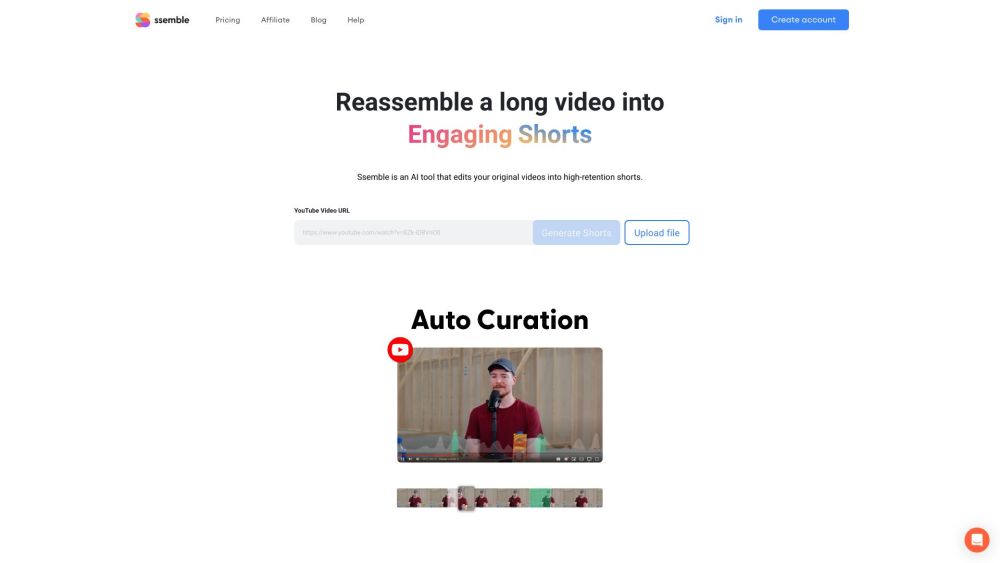
Ssemble is an AI clipping tool designed to transform long videos into engaging short-form content for platforms like TikTok, YouTube, and Instagram. It automates the process of clipping, cropping, adding captions, b-roll, transitions, sound effects, and CTAs to improve viewer retention. Ssemble is trusted by over 100,000 shorts creators and clippers.
Users upload a long video to Ssemble, where the AI automatically identifies viral-worthy moments and converts them into short clips. Users can then customize these clips with captions, b-roll, transitions, and other effects before scheduling them for publication across multiple social media platforms.
Ssemble is an AI clipping tool that helps you transform long videos into engaging short-form content.
Ssemble automatically detects viral-worthy moments in your video and turns them into short clips. You can then customize these clips with captions, b-roll, transitions, and other effects.
Ssemble uses AI to identify the most engaging segments of your video and generates short clips from them.
Yes, Ssemble automatically adds captions to your Shorts clips.
Ssemble automatically detects faces in your video and keeps them centered when converting to vertical formats.
Yes, Ssemble is designed to be user-friendly and intuitive, allowing beginners to create engaging Shorts clips easily.
Please check the platform documentation for the most current list of supported languages.
Free plan available.
Use these comparison pages to understand the trade-offs between the models most relevant to Ssemble.
Compare Gemini 1.0 Pro Deprecated and Gemini 2.0 Flash across pricing, context window, capabilities, benchmarks, and API access to choose the better fit for long-context workloads versus long-context workloads.
Compare Gemini 1.0 Pro Deprecated and Gemini 2.5 Flash across pricing, context window, capabilities, benchmarks, and API access to choose the better fit for long-context workloads versus long-context workloads.
Compare Gemini 2.0 Flash Lite and Gemini 2.0 Flash across pricing, context window, capabilities, benchmarks, and API access to choose the better fit for long-context workloads versus long-context workloads.
Compare Gemini 2.5 Flash and Gemini 2.0 Flash across pricing, context window, capabilities, benchmarks, and API access to choose the better fit for long-context workloads versus long-context workloads.

Similar AI tool in the AI Video Generator category.
Similar AI tool in the AI Social Media category.
Similar AI tool in the AI Video Generator category.
Similar AI tool in the AI API category.
Similar AI tool in the AI Image Generator category.
Similar AI tool in the AI Answer category.
Similar AI tool in the AI Assistant category.
Similar AI tool in the AI Video Generator category.
Similar AI tool in the AI Video Generator category.
Similar AI tool in the AI Video Editor category.
Similar AI tool in the AI Marketing category.
Similar AI tool in the AI Video Generator category.